Spreadsheets and dashboards answer the questions you thought of in advance. An AI assistant can answer the next one. MCP, the Model Context Protocol, is an open standard that lets a supported assistant, such as Claude or ChatGPT, work with tools and data you choose to connect.
What you can ask
- “How much did I spend on food last month compared with the month before?”
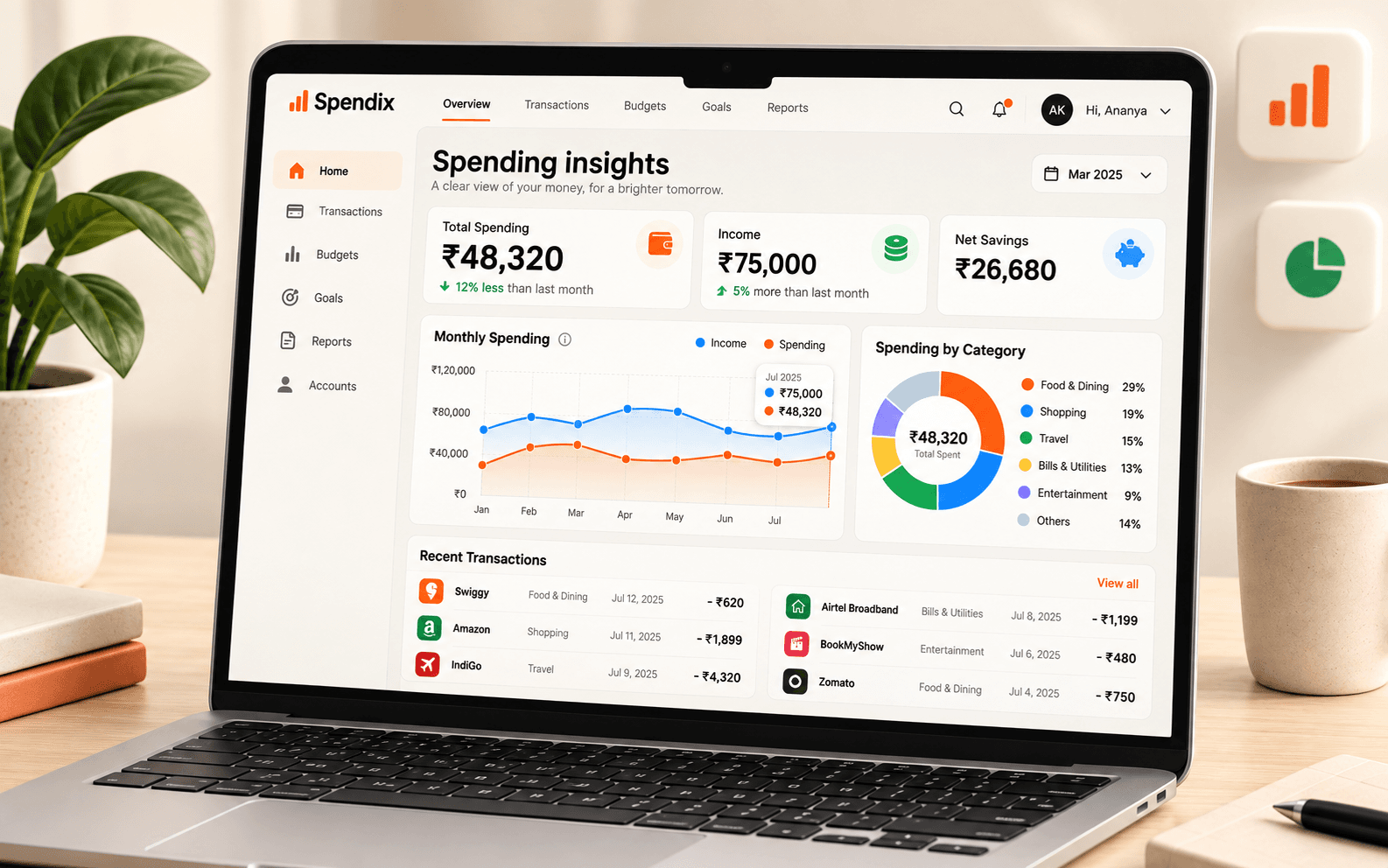
- “Which merchants did I pay most often this quarter?”
- “List my recurring charges and what each costs per year.”
- With write access: “Add a ₹450 lunch expense for today.”
How to connect
- In your assistant’s settings, add the SpendixAI MCP server using the address shown inside your workspace.
- Sign in with your SpendixAI account when asked.
- Approve a scope preset, which sets what the assistant may do.
- Start asking questions.
You stay in control
Start with read-only access. You choose a scope preset when you connect, and you can see and disconnect connected assistants at any time from the MCP connections page under Developer.
Think about what you share
Once you connect an assistant, the answers it gives are produced by that assistant’s provider, under that provider’s own terms. Connect only the workspaces you are comfortable discussing with it, and use the narrowest access that does the job.
Ask your money questions in conversation.
Connect Claude or ChatGPT to SpendixAI with MCP. Review spending, add expenses, and upload statements from a familiar conversation.