Compare periods
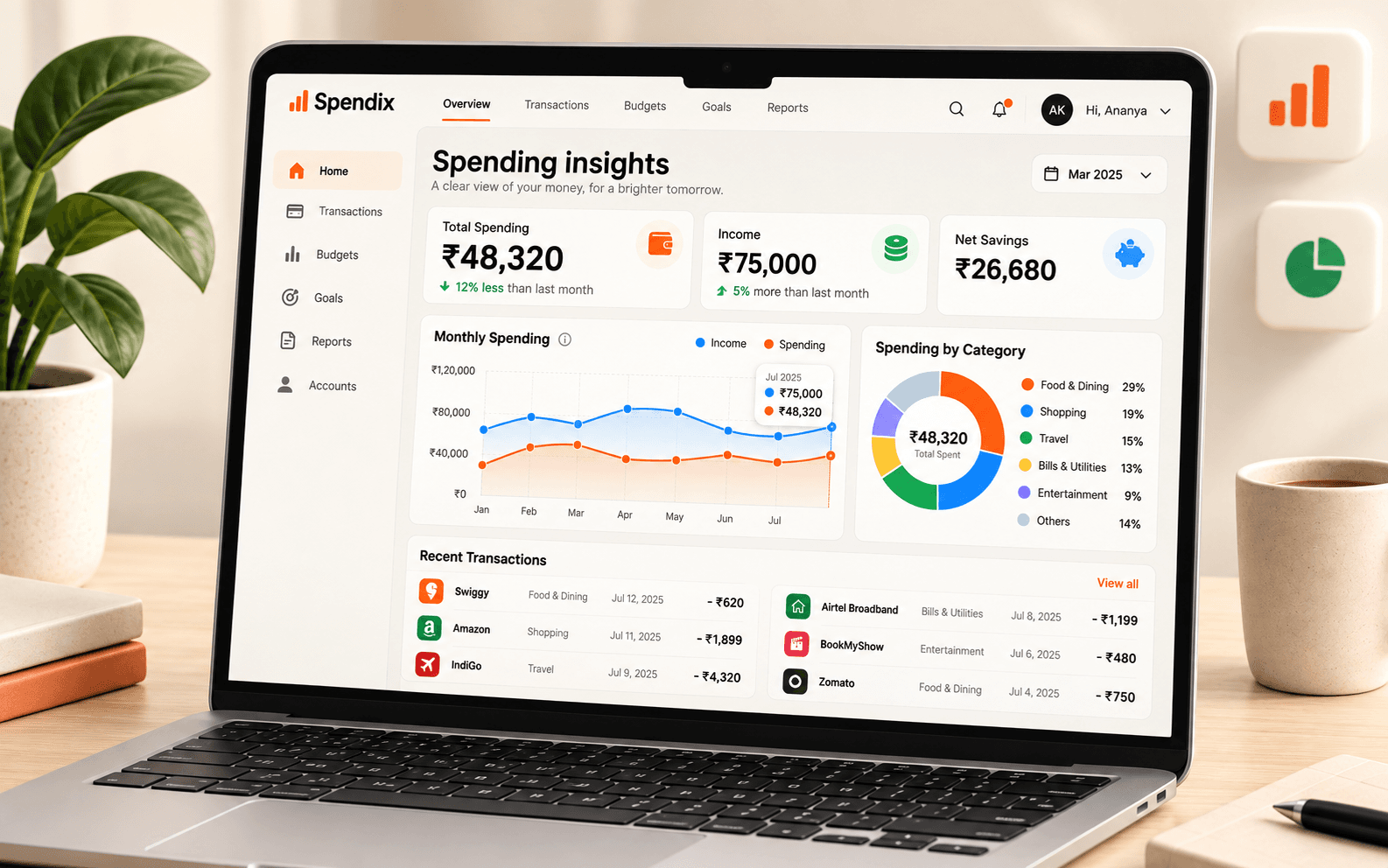
See how spending and income changed across time.
Explore totals, trends, and account activity in reports you can actually use.
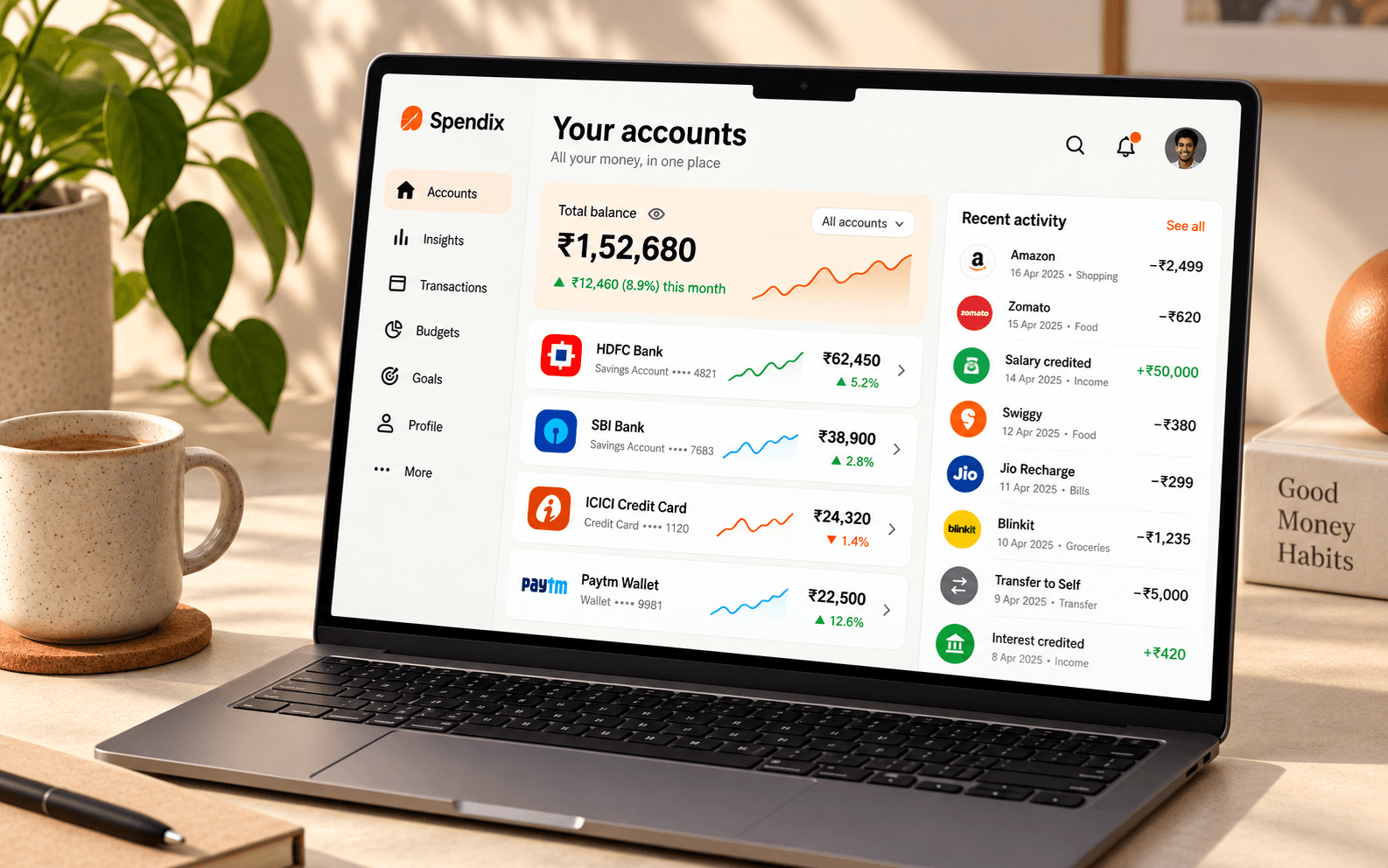
Good reports connect the summary to the details. SpendixAI helps you move from broad totals into the activity behind them.
See how spending and income changed across time.
Understand category, merchant, and account contributions.
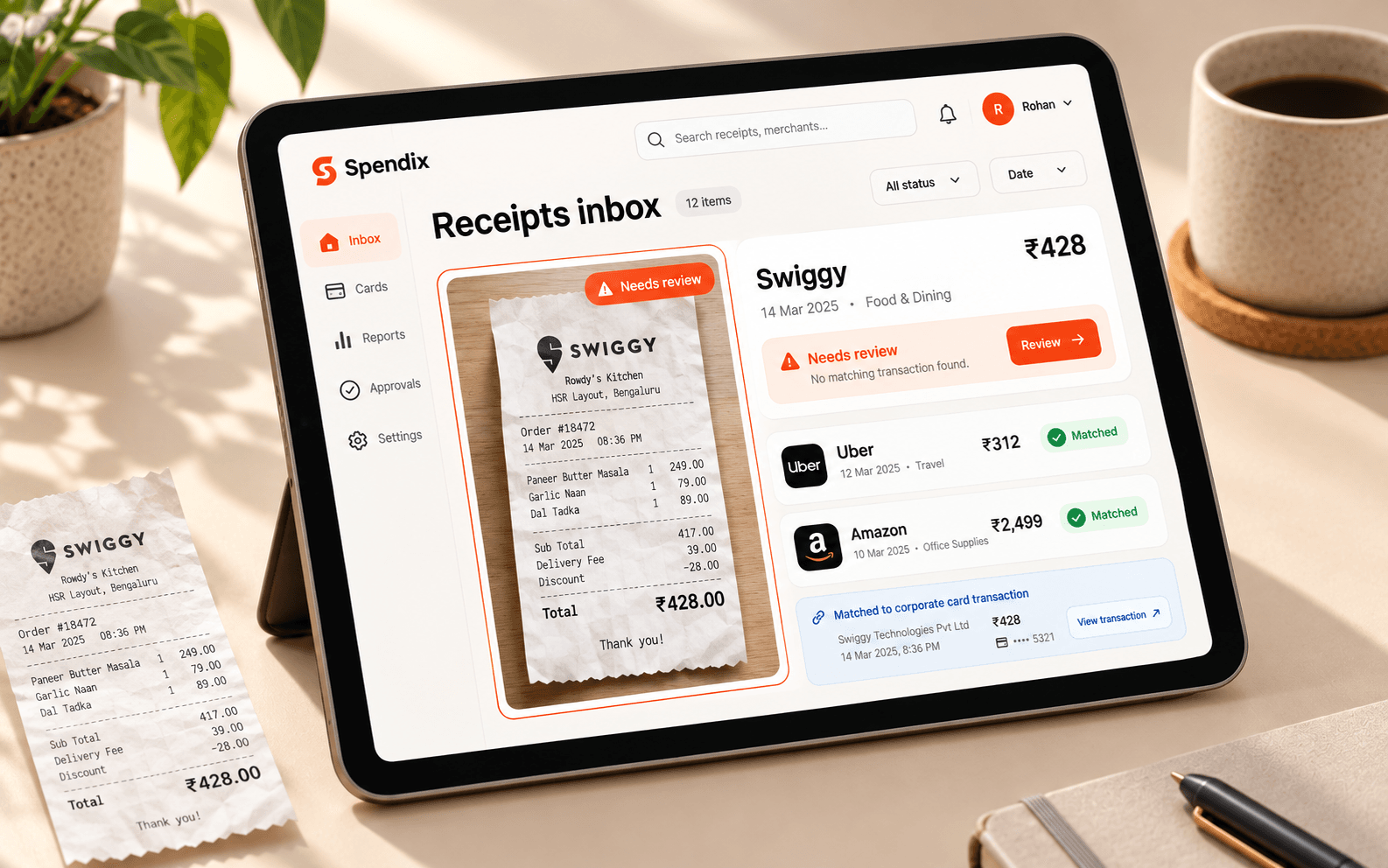
Export records when you need to share or review them elsewhere.
Compare this month with last month and see which category changed most.
Add or import transactions and keep categories and accounts current.
Open a report and select the period that matters.
Review changes, open the supporting activity, or export a copy.
illustrative income total
Explore the full picture with your own data after you sign in.
Create your accountSee how this feature fits into your SpendixAI workspace.
Reports summarise the transaction, category, merchant, and account data in your workspace.
SpendixAI offers export options for records and reports.