Keep proof together
Upload receipts into an inbox instead of searching through files and messages.
Keep bills close to the transactions they explain, with a clear view of what still needs review.
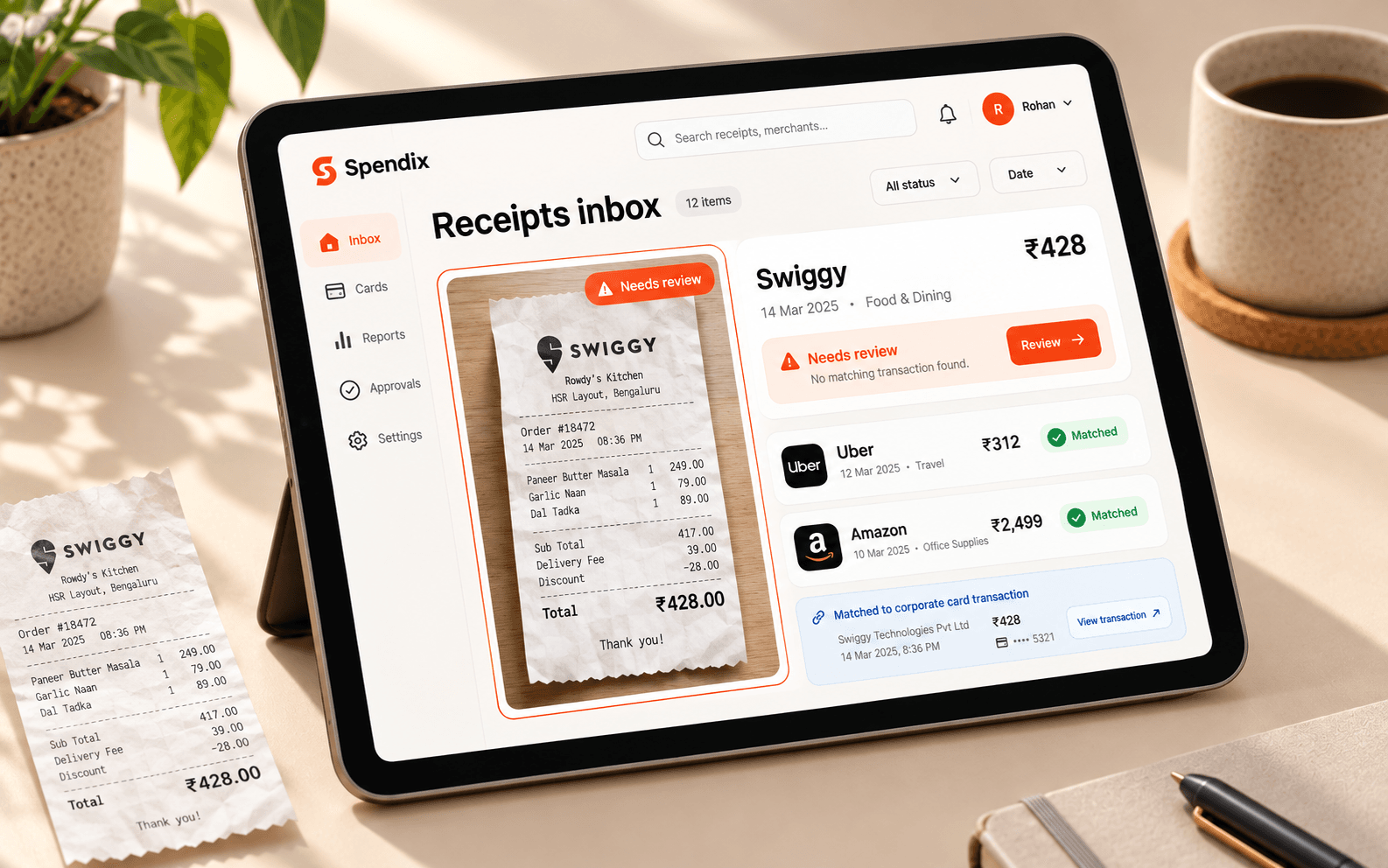
A receipt is most useful when you can find the transaction it belongs to. SpendixAI gives both a place in the same workflow.
Upload receipts into an inbox instead of searching through files and messages.
See suggested matches and check the amount, date, and merchant.
Find unmatched receipts and items that still need your review.
A ₹428 Swiggy receipt can be checked against the matching food transaction before approval.
Add a receipt from your device or the available import flow.
Compare the receipt with its proposed transaction match.
Confirm the right match, or leave it in the review queue.
illustrative receipt match
Explore the full picture with your own data after you sign in.
Create your accountSee how this feature fits into your SpendixAI workspace.
SpendixAI can suggest matches. You can review them before approving.
The receipt stays visible as unmatched so you can review it later.