Search your history
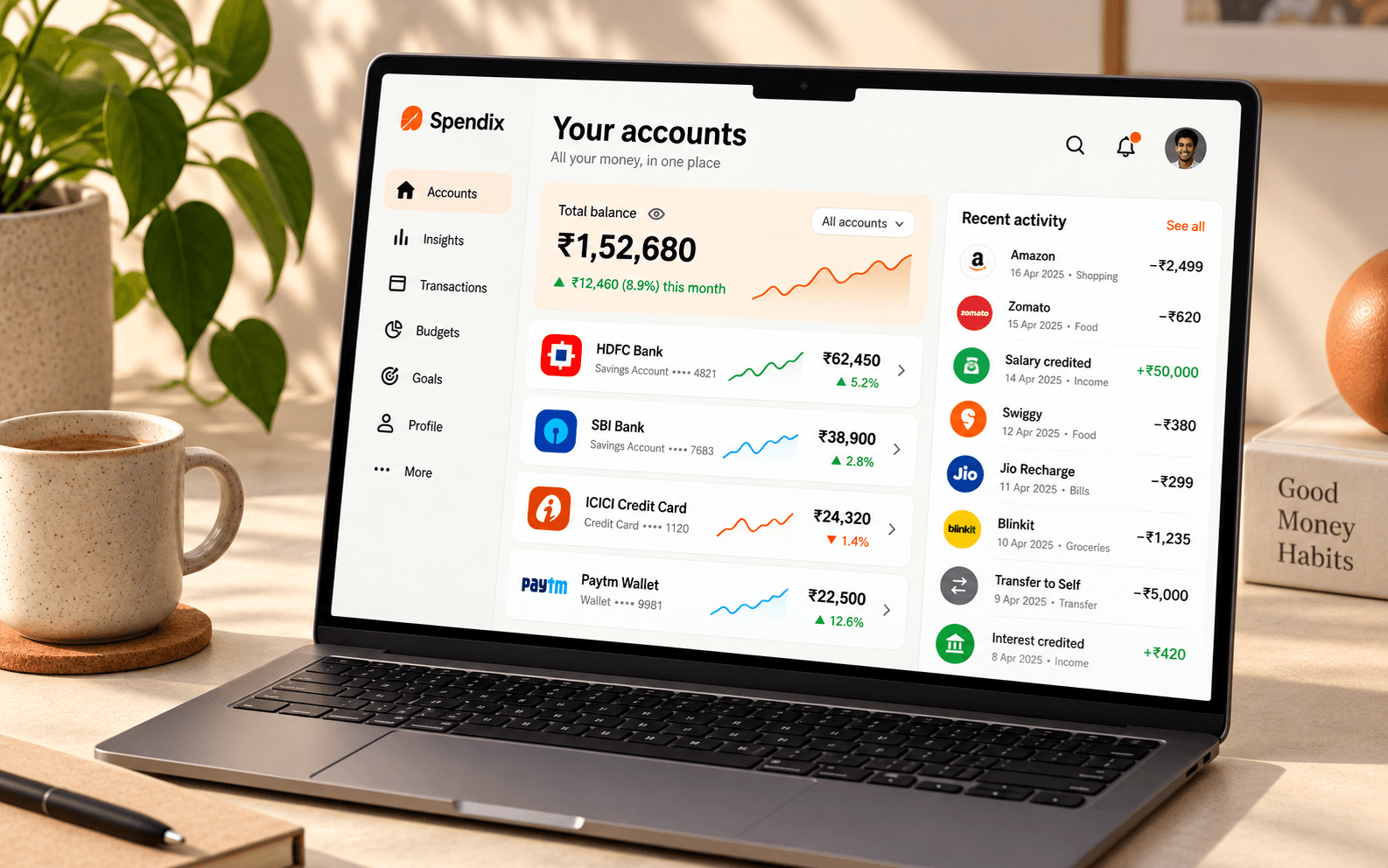
Find entries by merchant, category, or other transaction detail.
Search, filter, and organise your income and expenses as your financial history grows.
Your transaction history should answer questions quickly, whether you remember a merchant, a date, or an amount.
Find entries by merchant, category, or other transaction detail.
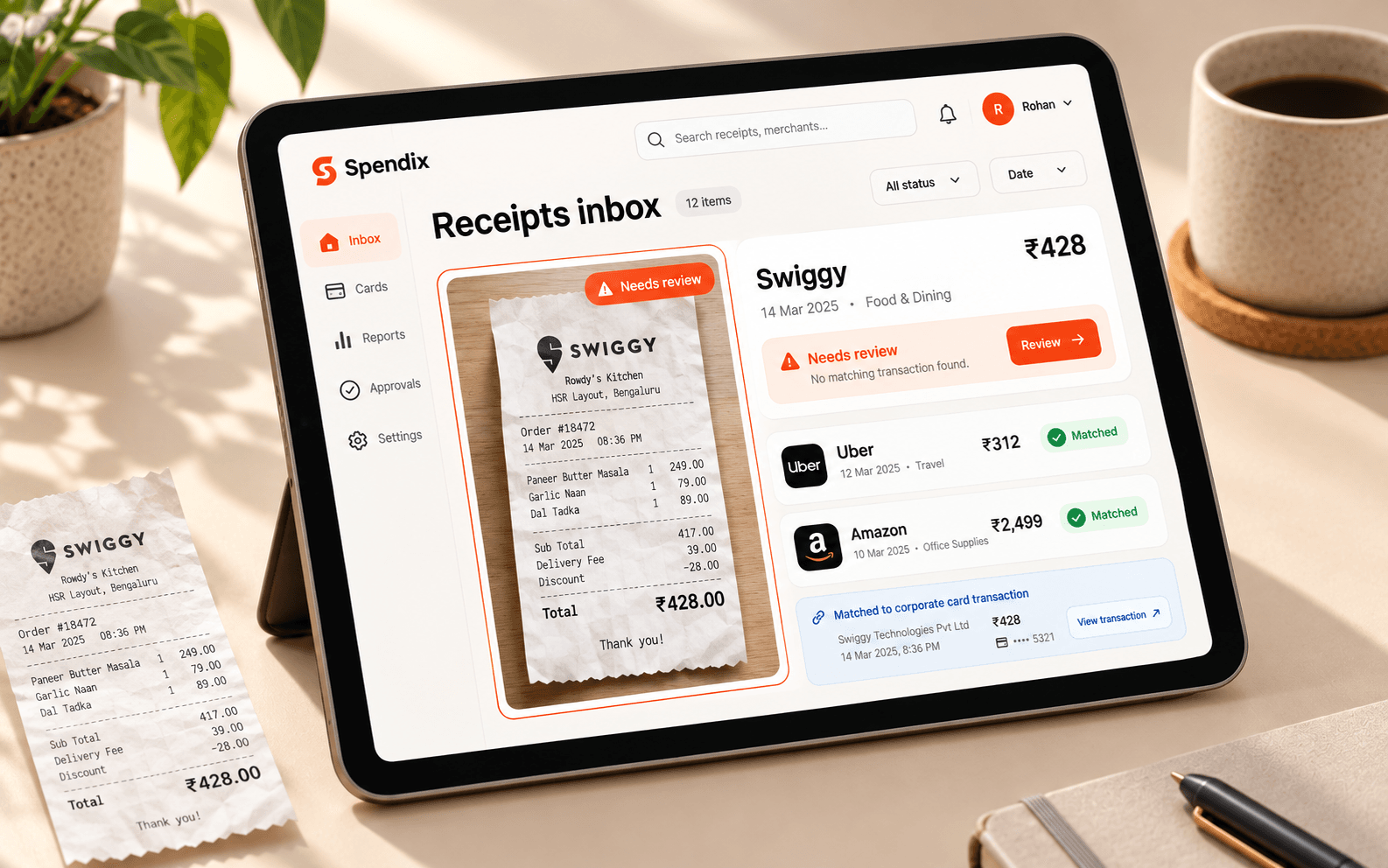
Focus on the date range or type of activity you need.
Review categories, accounts, and receipt context as you work.
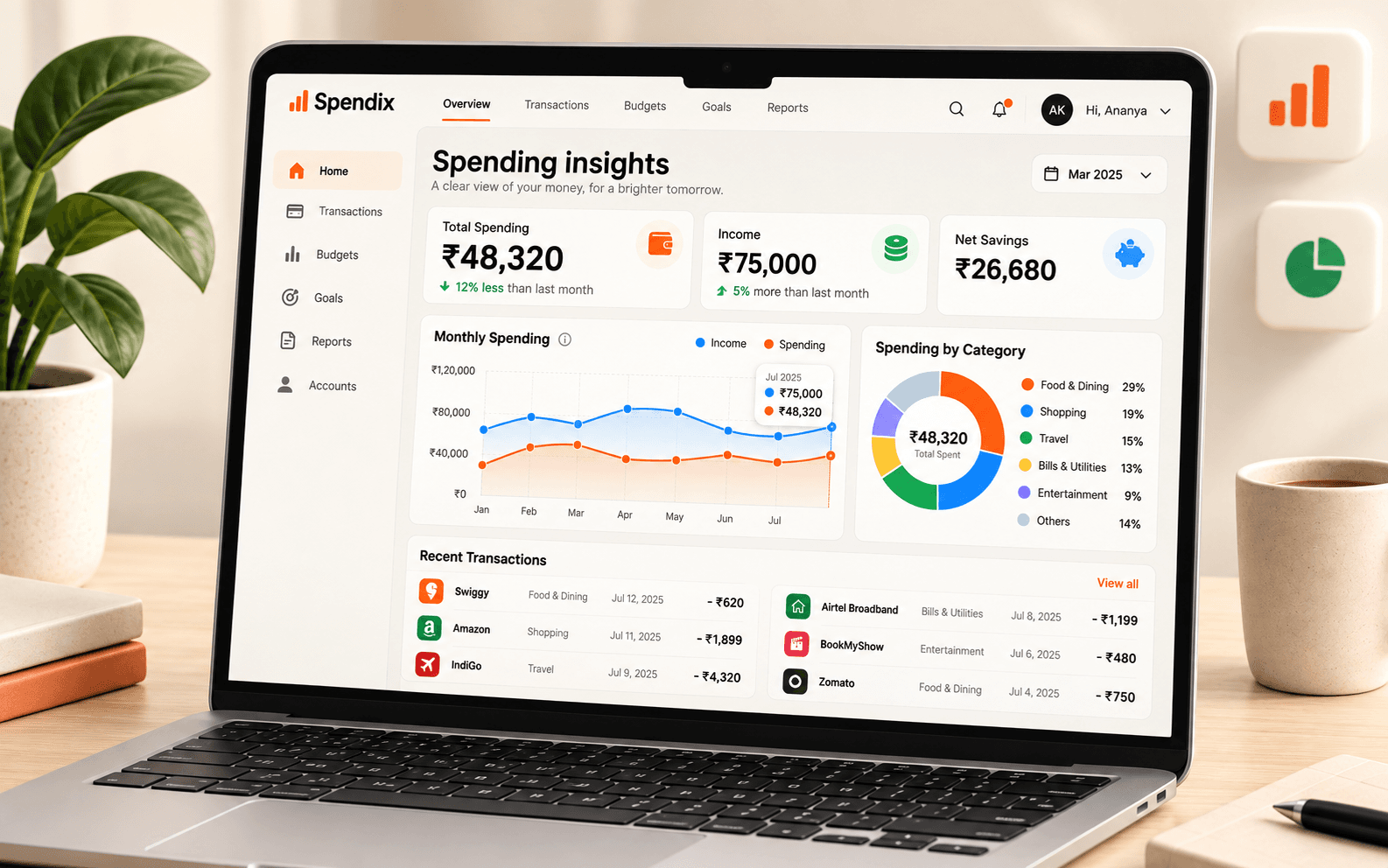
Search for Swiggy to see the matching expenses and their category in one list.
Create an expense manually or bring in a statement.
Check merchant, amount, date, account, and category.
Search and filter the history whenever you need an answer.
illustrative transactions
Explore the full picture with your own data after you sign in.
Create your accountSee how this feature fits into your SpendixAI workspace.
Yes. SpendixAI includes statement import alongside manual entry.
You can review and update transaction categorisation.