Export your data
One file with your accounts, categories, transactions, budgets, merchants, rules, document details, members and billing invoices.
- The uploaded documents themselves are not included
- Reports also download as CSV
Your financial records are yours. This page explains how to take a copy, how to remove parts of it and how to delete everything.
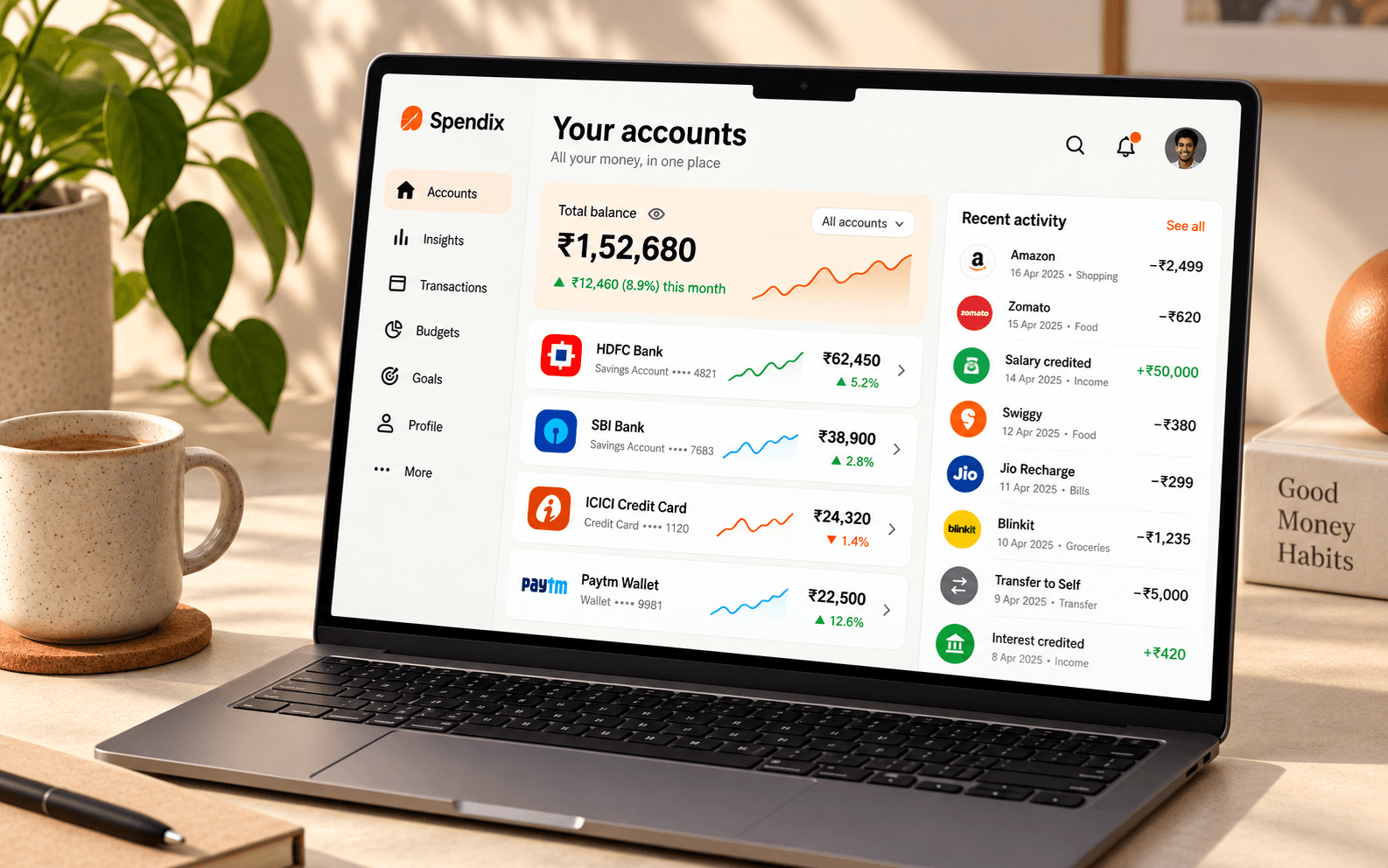
One file with your accounts, categories, transactions, budgets, merchants, rules, document details, members and billing invoices.
Delete one, clear all transactions in an account, or delete everything within a date range.
Decide how long uploaded documents are kept, from 1 to 120 months.
Schedule the whole workspace and everything in it for permanent deletion, with a window to change your mind.
The transaction leaves your lists and reports, but is not gone.
A restored transaction returns with its category and account.
Once the window passes, it cannot be restored.
From Settings, Data and privacy. Nothing is removed yet.
Cancel from the same page and everything carries on as before.
The workspace and all its data are deleted and cannot be recovered. Export first if you want a copy.
Copies may remain in backups for a limited period until they are overwritten.
These controls sit in one place, and they are owner-only so that one member cannot remove everyone else’s records.
No. After the 7-day window the deletion is permanent, so export what you need before then.
The workspace owner, from Settings and then Data and privacy.
The uploaded documents themselves. It includes the details recorded about them.
Write to support@spendix.app with “Privacy request” in the subject, from the email address linked to your account. We may need to confirm it is you, and we will respond within the time the law allows.
Create your account with Google and stay in control of your data.