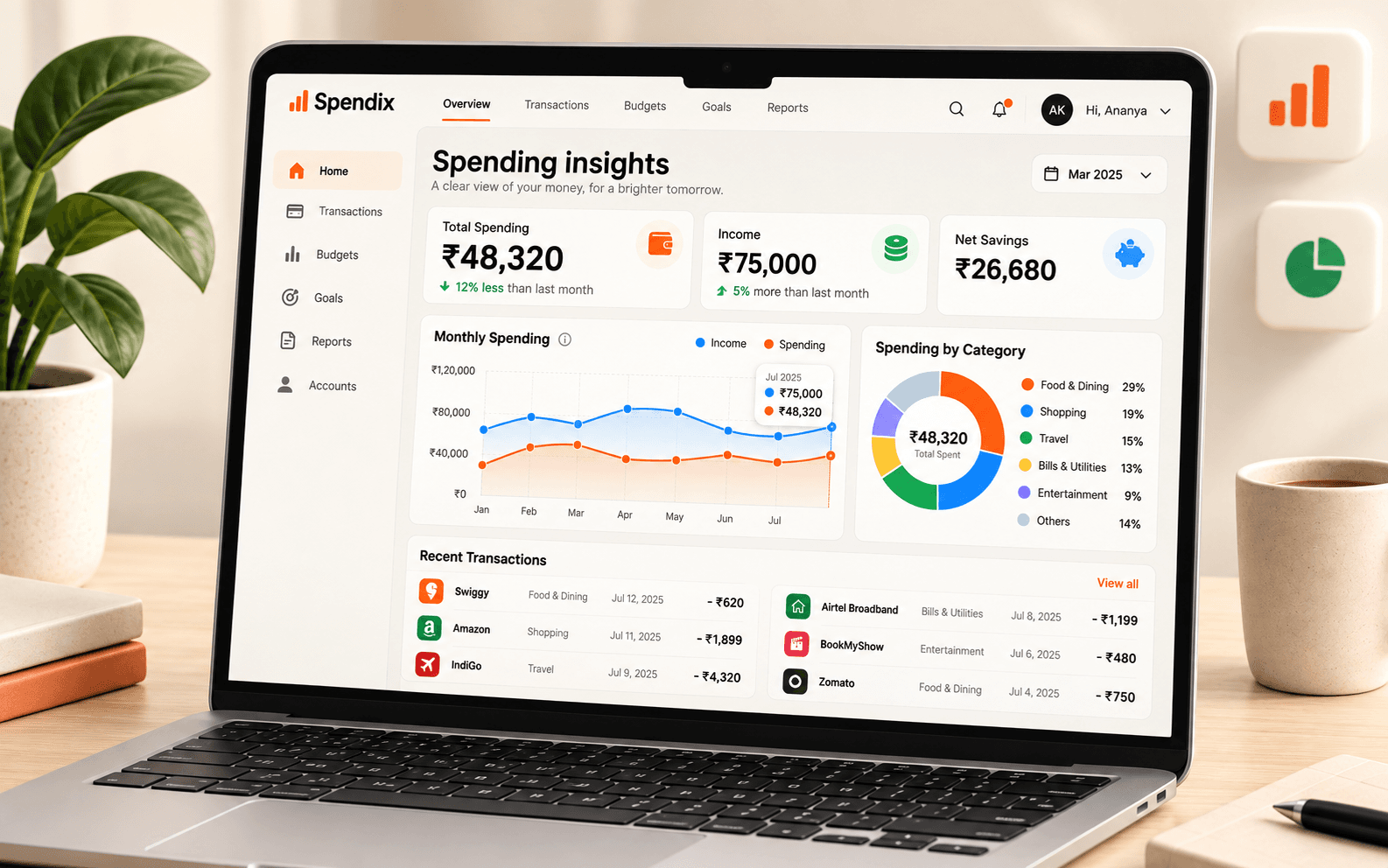
The Report library covers common questions. When yours is different, the Report builder lets you shape a report from your transactions, and the Export centre gets the data out in a form other tools expect.
Report builder
- Filter: choose the dates, categories, accounts, business or personal use, and more, to decide which transactions feed the report.
- Group: group by category, merchant, account, month or business and personal.
- Optionally add a second grouping to see sub-totals inside each group.
- Sort and limit: rank groups by total, count or name and show the top five, ten, twenty or all.
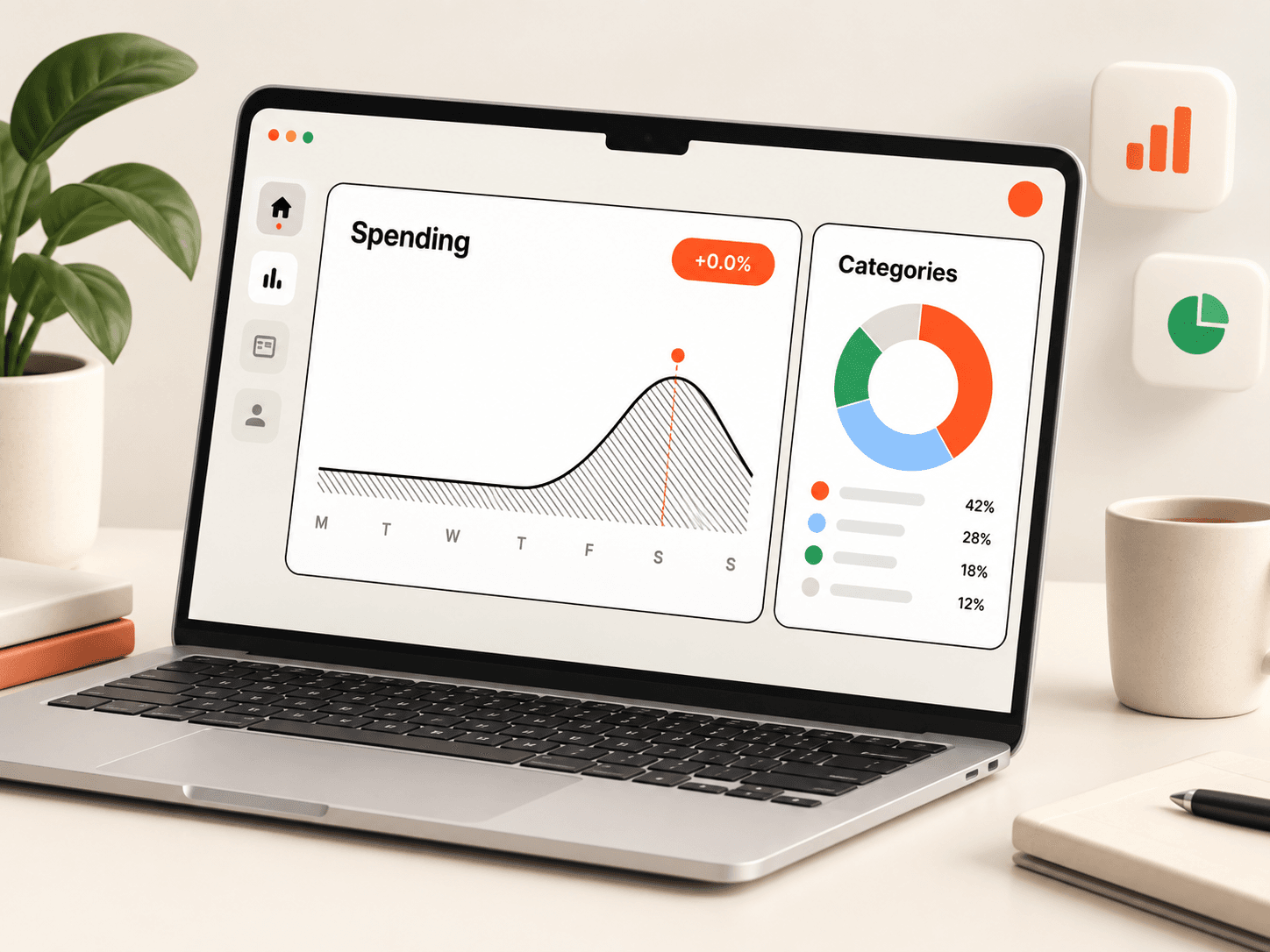
- Read the chart and table as they update live.
Each group shows its transaction count, total, average and share of spend. When you compare with the previous period, the change appears next to each group.
Save it
Give a report a name and save it. Saved reports are stored with your workspace, so the same view is a click away next month.
Download
You can download the grouped report as a CSV with a total line, or download the transactions behind it. Both open cleanly in Excel or Google Sheets.
Export centre
The Export centre prepares your data for other software:
- All transactions: every transaction with category, account, tags and notes.
- Tally ledger: payment and receipt vouchers with ledger names.
- Zoho Books: signed amounts, categories and reference numbers.
- QuickBooks: debit and credit columns with memos.
- Categories and tax codes: your category list with GST rates, ITC flags and accounting codes.
Pick a template, set the filters, check how fields map to the target format, and download.
A clearer story in every report.
Explore totals, trends, and account activity in reports you can actually use.