Answers to the questions we hear most.
Getting started, importing statements, categories and AI, reports, privacy and support. Cannot find yours? Email support@spendix.app.
Getting started
What is SpendixAI?
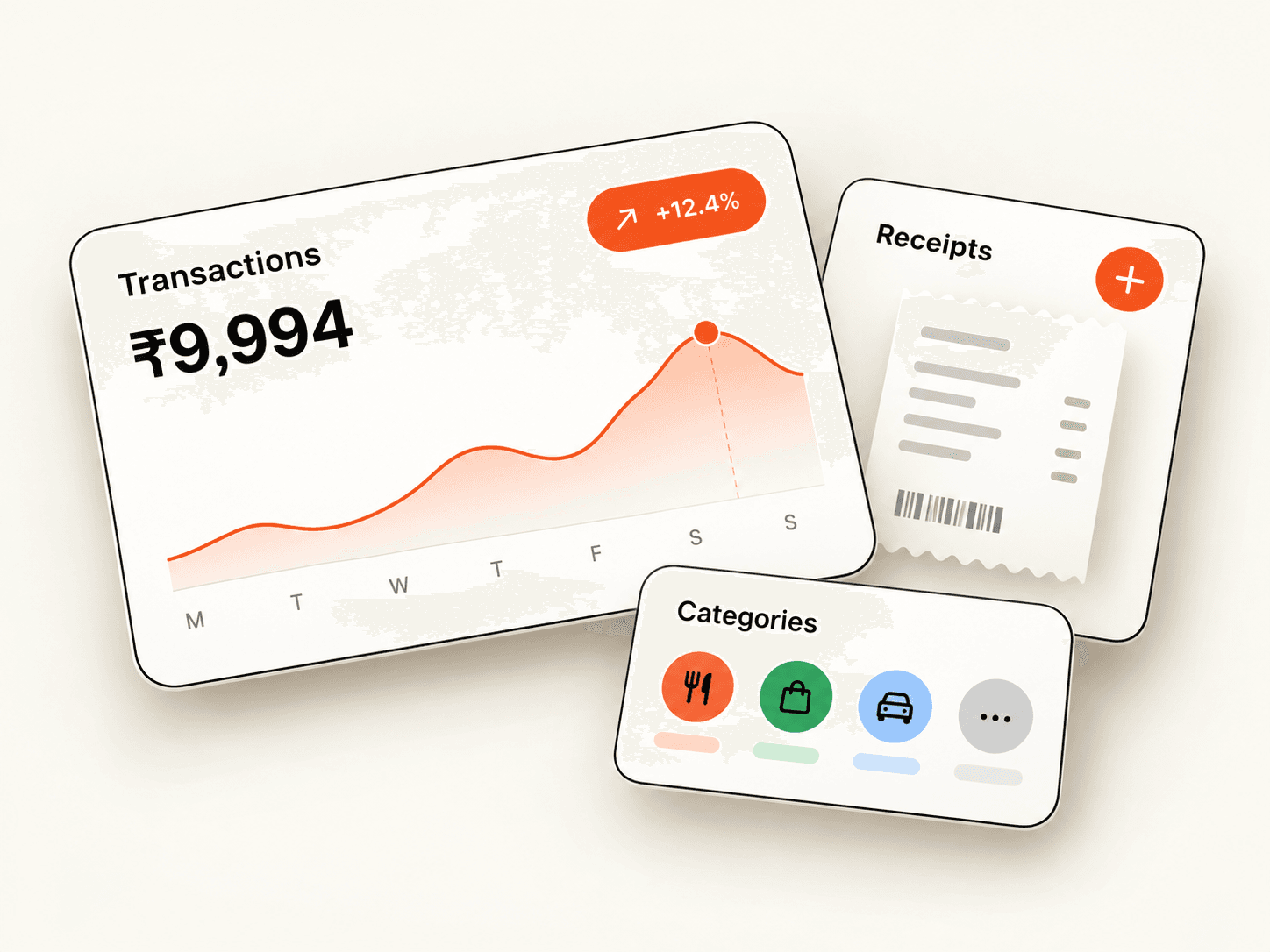
SpendixAI is an expense tracker. You import bank and card statements or add expenses yourself, SpendixAI categorises them, and dashboards and reports show where your money goes, including GST, receipts and multiple currencies.
How do I create an account?
Choose Get started and continue with Google. Signing in for the first time creates your account and your workspace, so there is no separate sign-up form or password.
Is SpendixAI free?
Yes, there is a Free plan to start with: statement import, default categories, the dashboard and insights, and Google sign-in. Pro is coming soon and Team plans are priced for each organisation. Prices are in Indian rupees.
Do I need to connect my bank account?
No. SpendixAI does not connect to your bank and never asks for net-banking logins. Your records come from statements you upload and expenses you add.
Can I use SpendixAI on more than one device?
Yes. Sign in with the same Google account on any device and you will find the same workspace.
Importing statements
Which files can I import?
Bank and card statements as PDF, CSV or Excel files. After an upload, you review what was found before it becomes part of your records.
Do I choose an account before importing?
Yes. You pick the account the statement belongs to first, so each transaction is linked to the right bank account, card or wallet.
Can I upload several files at once?
Yes. You can add files together as a batch, up to the size limit shown when you upload.
What if I import the same statement twice?
Possible duplicates are flagged for you to review, and the Possible duplicate charges report in the Report library lists likely repeats, such as the same amount to the same merchant within two days.
What happens if an import fails?
You get an Import failed notification, and your import history lists each batch with its status so you can see what went wrong and try again.
Can I add expenses by hand?
Yes. You can add a single expense or several at once, which is handy for cash spending.
Categories and AI
How are transactions categorised?
In stages. Your own rules come first, then your history and similar merchants you have already categorised, and only then, if AI is switched on, a model suggests a category for what is left.
Can I turn AI off?
Yes. You can switch individual AI features on or off, set a monthly AI budget, exclude accounts, or turn AI off entirely. With AI off, everything else keeps working and unmatched transactions are held for you to review.
What does AI see?
For categorisation, the normalised merchant name and an amount band, not your name, account numbers, full statement text or balances. Some optional features, such as reading an unfamiliar statement layout, process the content of the document you uploaded. See the AI and privacy page.
Can I create my own categories?
Yes. You can create categories and sub-categories, set a colour, and add a GST rate, ITC and tax-deductible settings and an accounting code.
Can I correct a category?
Yes, and a correction becomes part of your history so the same merchant is categorised the same way next time.
Reports, GST and exports
What reports are there?
A Reports overview, a library of 25 ready-made reports grouped by the question they answer, and a Report builder where you filter and group your own view. Reports can be limited to a period and downloaded as CSV.
Does SpendixAI help with GST?
Yes. Categories can carry a GST rate and ITC-eligible and tax-deductible settings, and reports estimate the GST included in your spending. These are estimates to check against invoices and with your CA.
Can I track more than one currency?
Yes. Each expense can be in its own currency, and totals are shown in your workspace’s base currency using the rate saved with each transaction. Choose your base currency before importing, because it cannot be changed once transactions exist.
Can I export to Tally, Zoho Books or QuickBooks?
The Export centre has templates for Tally, Zoho Books and QuickBooks, a standard all-transactions file and a categories and tax codes file.
Can I recover something I deleted?
Deleted transactions go to a recycle bin and can be restored for 30 days.
Privacy and security
How do I sign in, and are passwords stored?
SpendixAI uses Google sign-in only. It does not store passwords, so there is nothing separate to remember or reset.
Is my data private?
Your records live in your own workspace, separate from other workspaces, with access limited by role. Read the Privacy Policy and the Security page for the details.
Does SpendixAI sell my data?
No. We do not sell personal information. The Privacy Policy lists who we share information with and why.
Can I export or delete my data?
Yes. Workspace owners can export their data, choose how long documents are kept, delete transactions or a date range, and schedule deletion of the whole workspace with a 7-day window to change their mind. See the Data deletion page.
Can I connect Claude or ChatGPT?
Yes, with MCP. You approve a scope when you connect, can start read-only and can disconnect an assistant at any time.
Support
How do I contact support?
Write to support@spendix.app and include any details that help, such as the screen you were on and what you expected to see.
How do I report a security issue?
Email support@spendix.app with “Security” in the subject and the steps to reproduce it. Please tell us before sharing it publicly.
Guides for the big questions
Popular guides
How to track expenses from your bank statements
A step-by-step routine for turning PDF, CSV and Excel bank statements into a clear expense record, with categories, accounts and duplicates handled.
Read article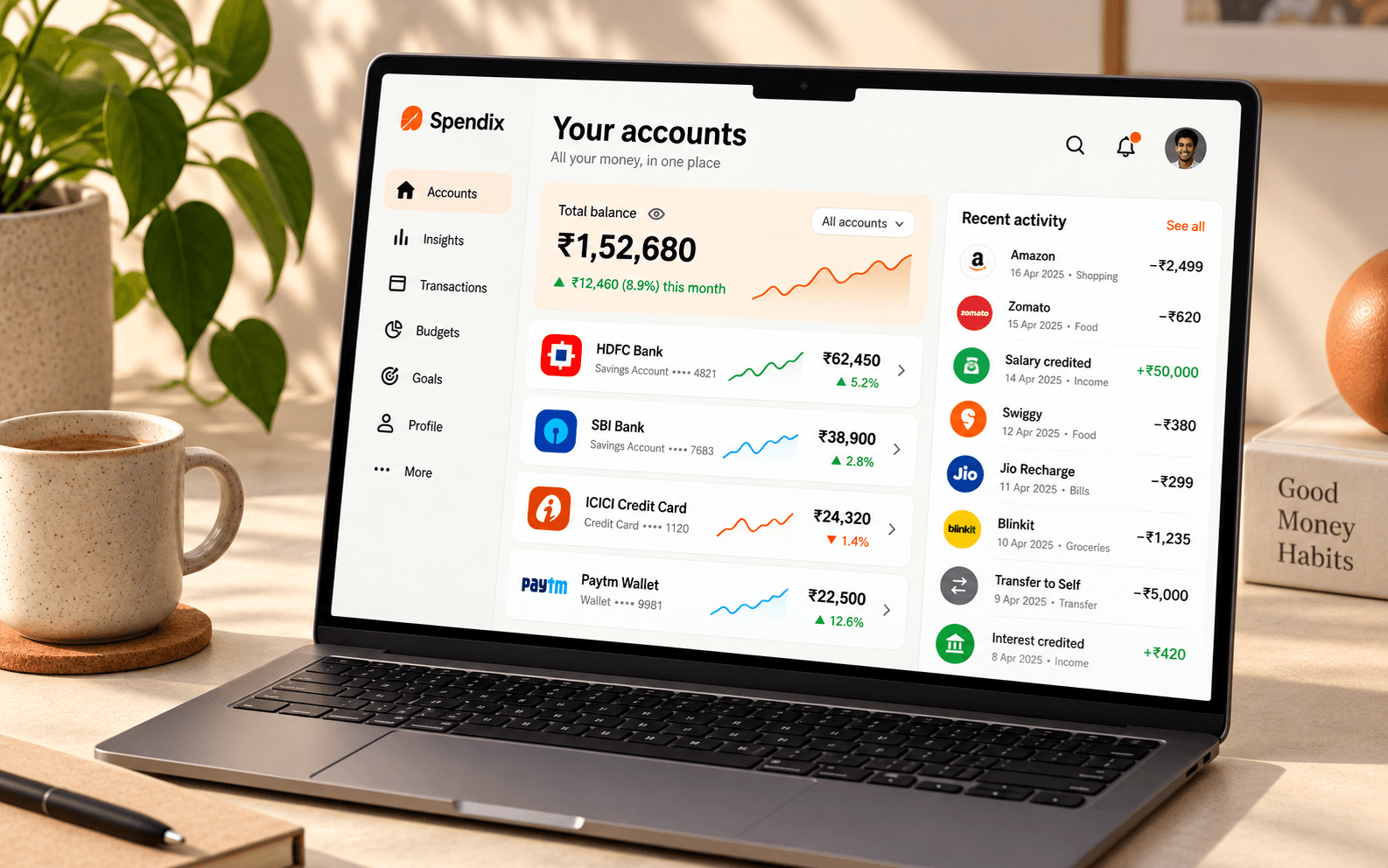
A tour of the SpendixAI Report library: 25 reports for 9 money questions
The Report library groups 25 ready-made reports by the question they answer: budgeting, saving, cash flow, debt, subscriptions, tax, fraud checks, merchants and accounts.
Read article
How SpendixAI categorises transactions, and how to teach it
Rules and your own history come first, AI only handles what is left. See how categorisation works, what each AI mode does and how to improve results.
Read articleReady to see your own numbers?
Create your account with Google and import your first statement.