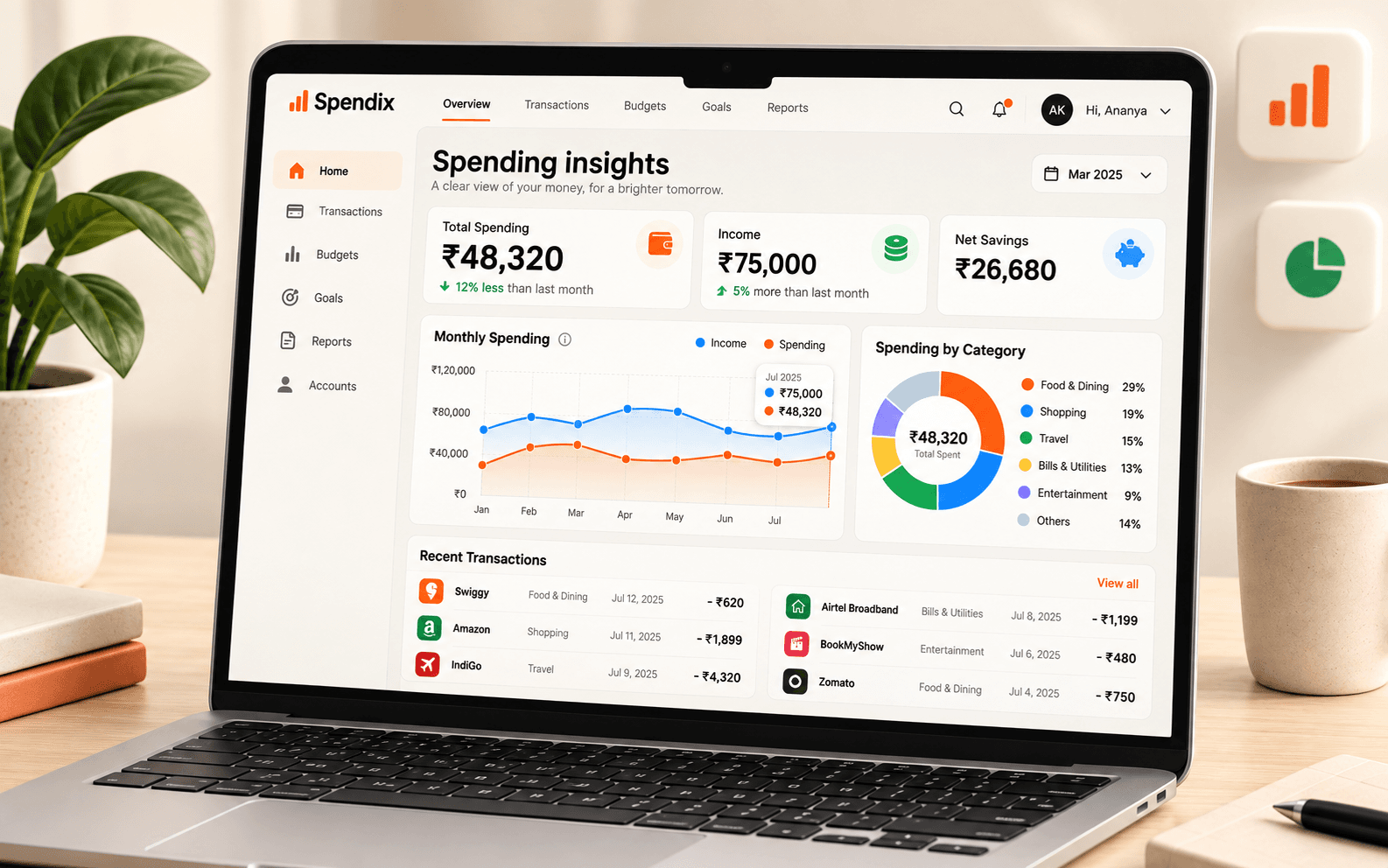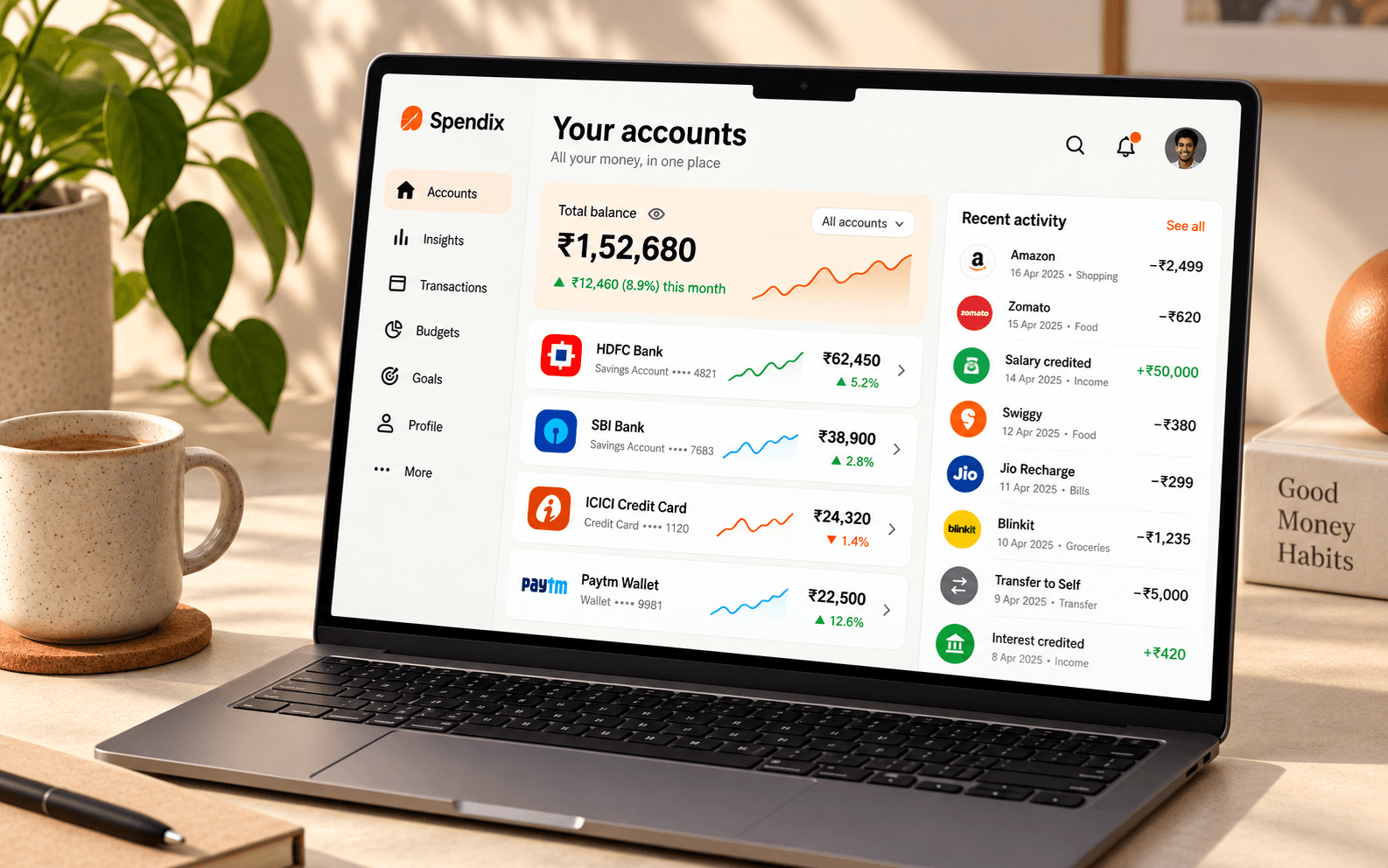
Importing a statement can add hundreds of transactions at once, so categories have to be applied automatically. SpendixAI does it in stages, starting with the cheapest and most predictable ones, which is also the most private way to do it.
The stages
- Your rules: if you have said “anything from this merchant is Groceries”, that is applied first.
- Your history: if a merchant has been categorised before, the same category is reused.
- Similar merchants: a close match to something you have already categorised can be suggested.
- AI, if it is switched on: a model suggests a category for the few that remain.
Most transactions are settled by the first stages, with no AI involved. That is why the system gets quieter and more accurate as your history grows.
What the AI modes mean
- Off: no AI at all. Anything that cannot be matched is held for you to review instead of being guessed.
- Economy: a low-cost model categorises only what your rules and history cannot.
- Balanced: adds plain-language insights and help with unfamiliar documents when you ask.
- Max: AI wherever it helps, for complex documents and heavier analysis.
You choose the mode, can switch individual AI features on or off, can set a monthly budget for AI use, and can exclude a sensitive account so its transactions never go to a model.
What a model is sent
For categorisation, the normalised merchant name and an amount band, not your name, account numbers, full statement text or balances. The Privacy Policy and the AI and privacy page describe this in full.
How to teach it
- Correct a category once. The correction becomes part of your history.
- Create a rule for merchants you see often.
- Keep merchant names tidy so one shop is not spread across several spellings.
- Review the Uncategorised aging report in the Report library from time to time.
See what your spending means.
Turn individual purchases into useful groups, from food and travel to bills and business costs.