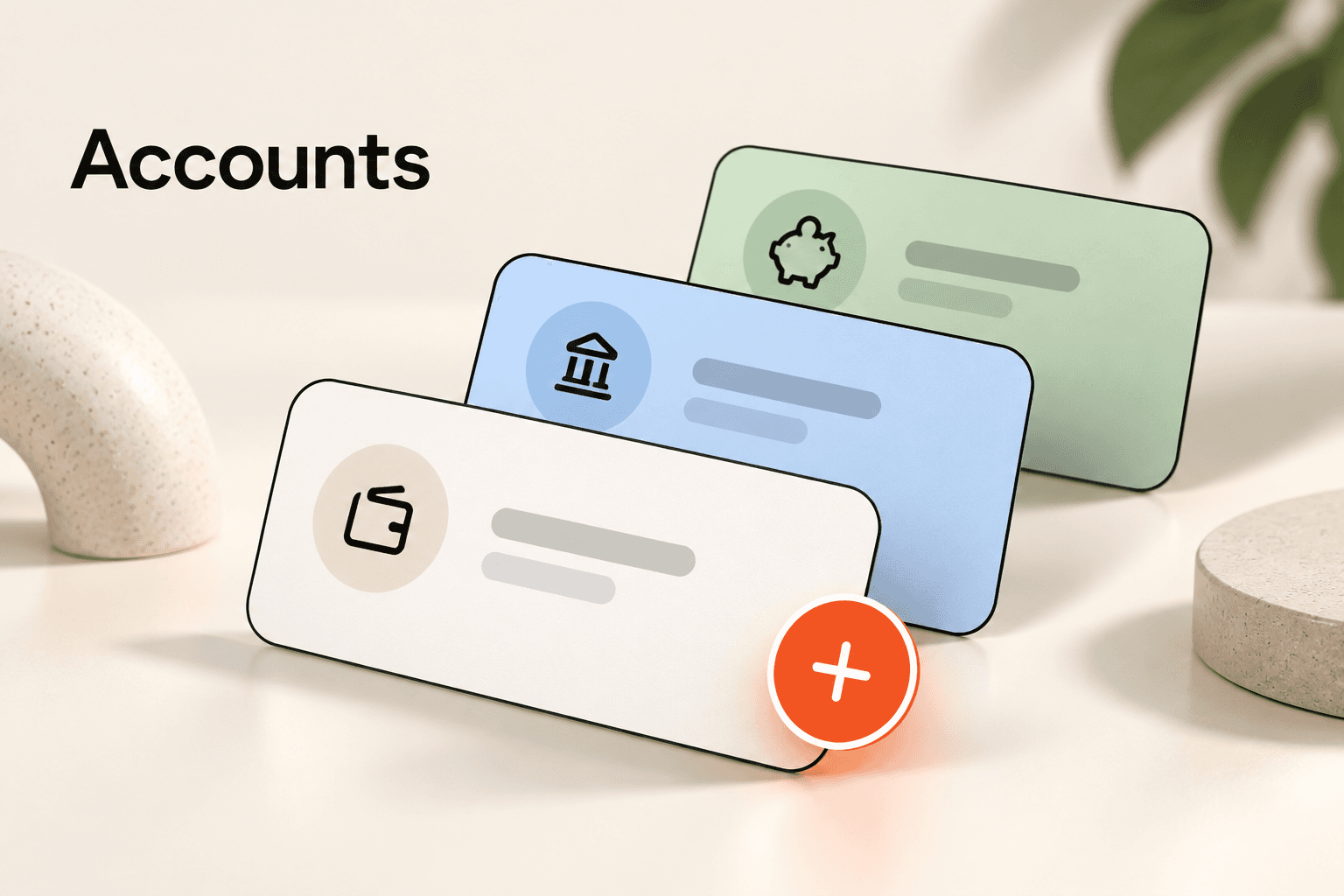
Every transaction in SpendixAI belongs to an account. Setting accounts up properly makes imports cleaner and reports such as account net position and credit-card share of spend meaningful.
Three kinds of account
- Bank: savings and current accounts.
- Credit card: cards you pay off later, kept separate so card spending is visible on its own.
- Cash: a wallet for spending that never touches a bank.
Add one account per real account
Create an account for each bank account and card you use, and name it so you can tell them apart, for example “HDFC Savings” or “ICICI Credit Card”. If you hold an account in another currency, give it that currency.
Details worth filling in
- The last four digits, never the full number, to tell similar cards apart.
- The opening balance, so balances start from the right place.
- For a credit card, the credit limit and the billing cycle day.
Import into the right account
When you import a statement, you choose the account it belongs to first. Pick carefully: a card statement imported into a savings account would make a card payment look like a second expense.
Read the account view
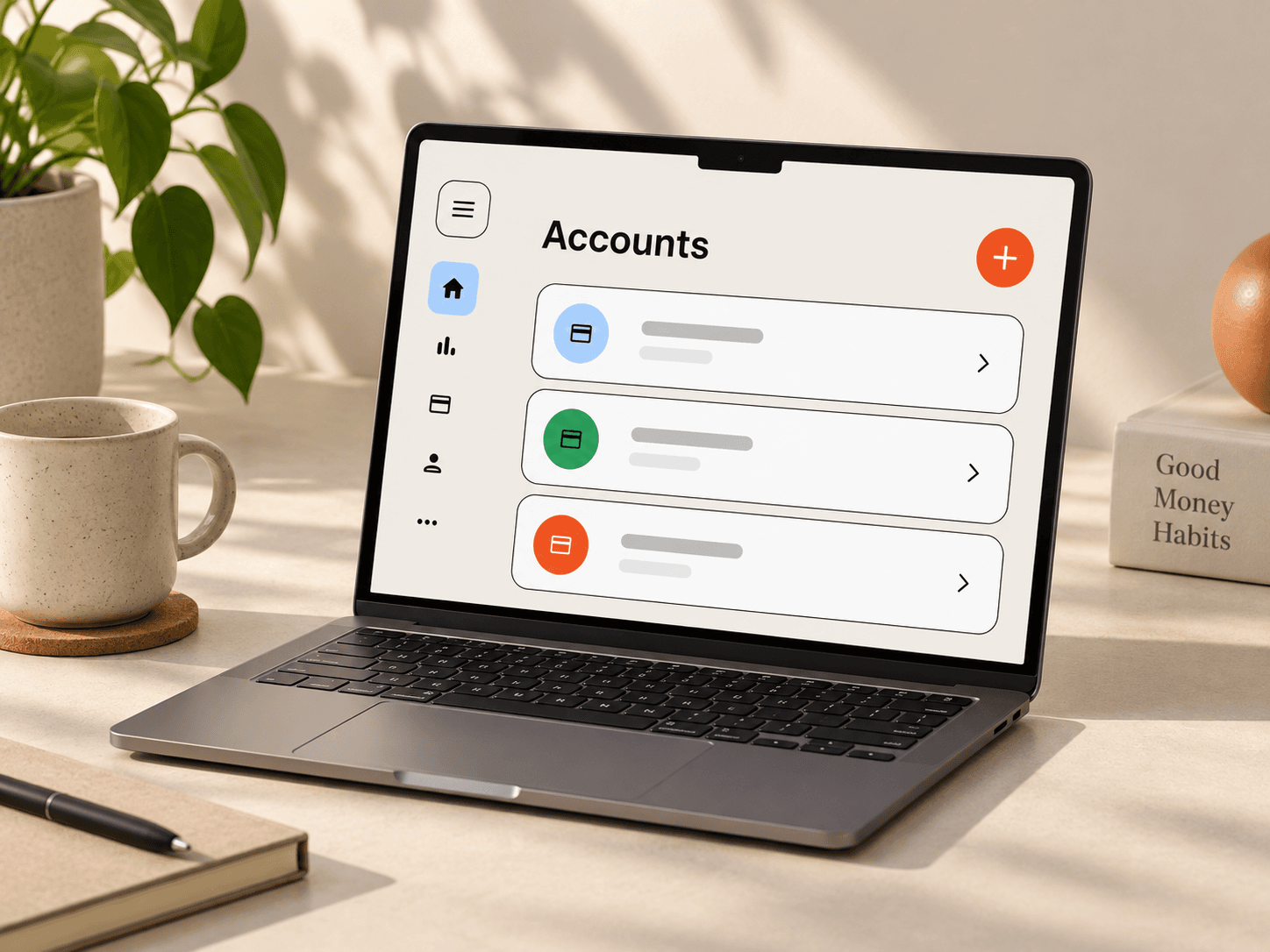
The Accounts screen shows each account’s transactions, spend and credits for the period you choose. For a quick comparison, open the Account net position report in the Report library.
Transfers between your own accounts
Moving money from savings to your credit card bill is not new spending. Keep that in mind when you read totals, and categorise such transfers consistently so they do not inflate income or expense.
See your accounts together.
Understand balances and activity across your financial accounts without losing the details.