Import
Bring in PDF, CSV or Excel statements instead of typing.
From a household budget to a freelance practice or a small business, see which parts of SpendixAI help most.
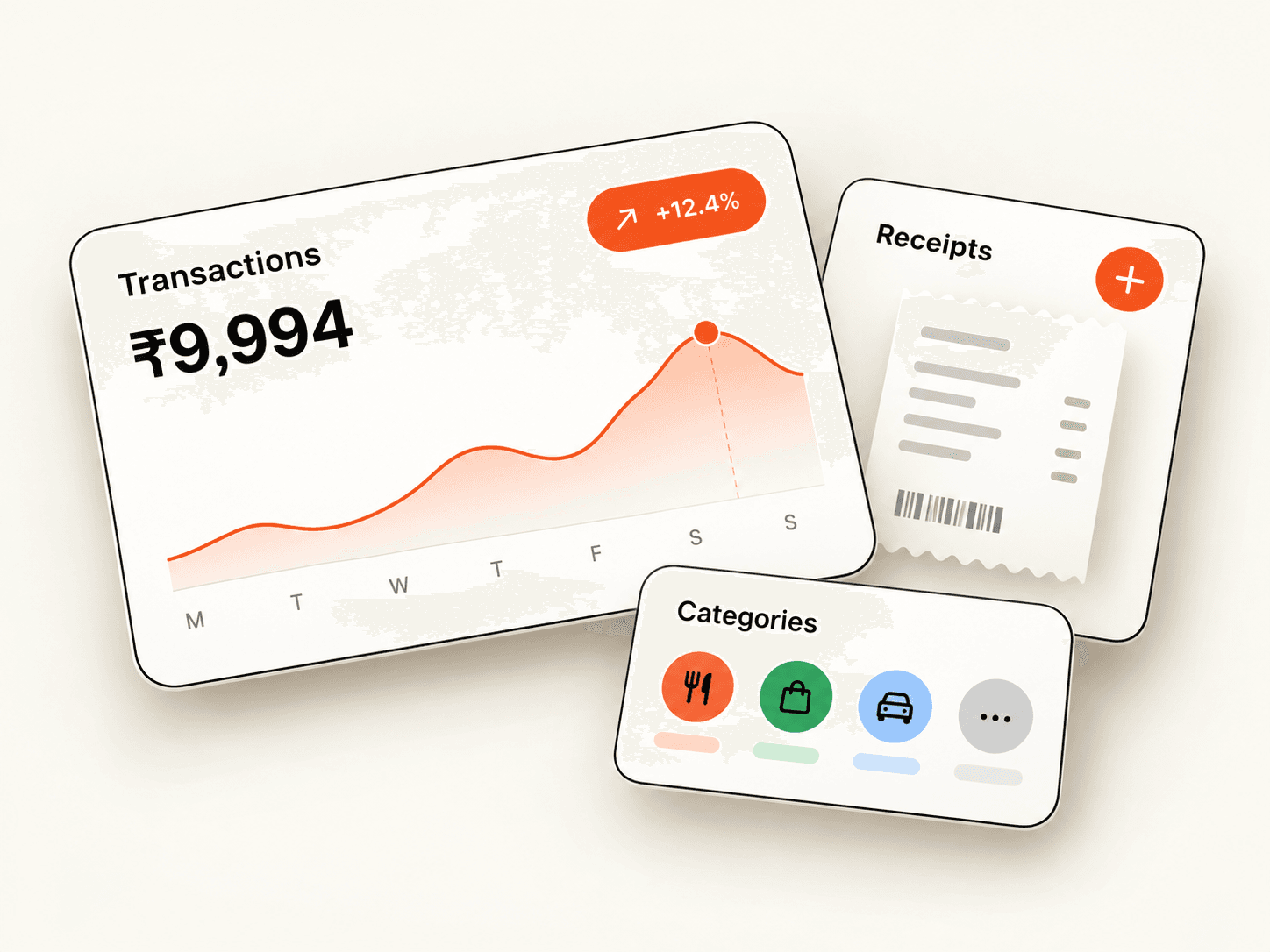

SpendixAI for personal and household spending: import your statements, see your categories and savings rate, and build a simple monthly routine.
See how it helps
SpendixAI for freelancers: keep business and personal spending apart, track GST and handle uneven monthly income with clear reports.
See how it helps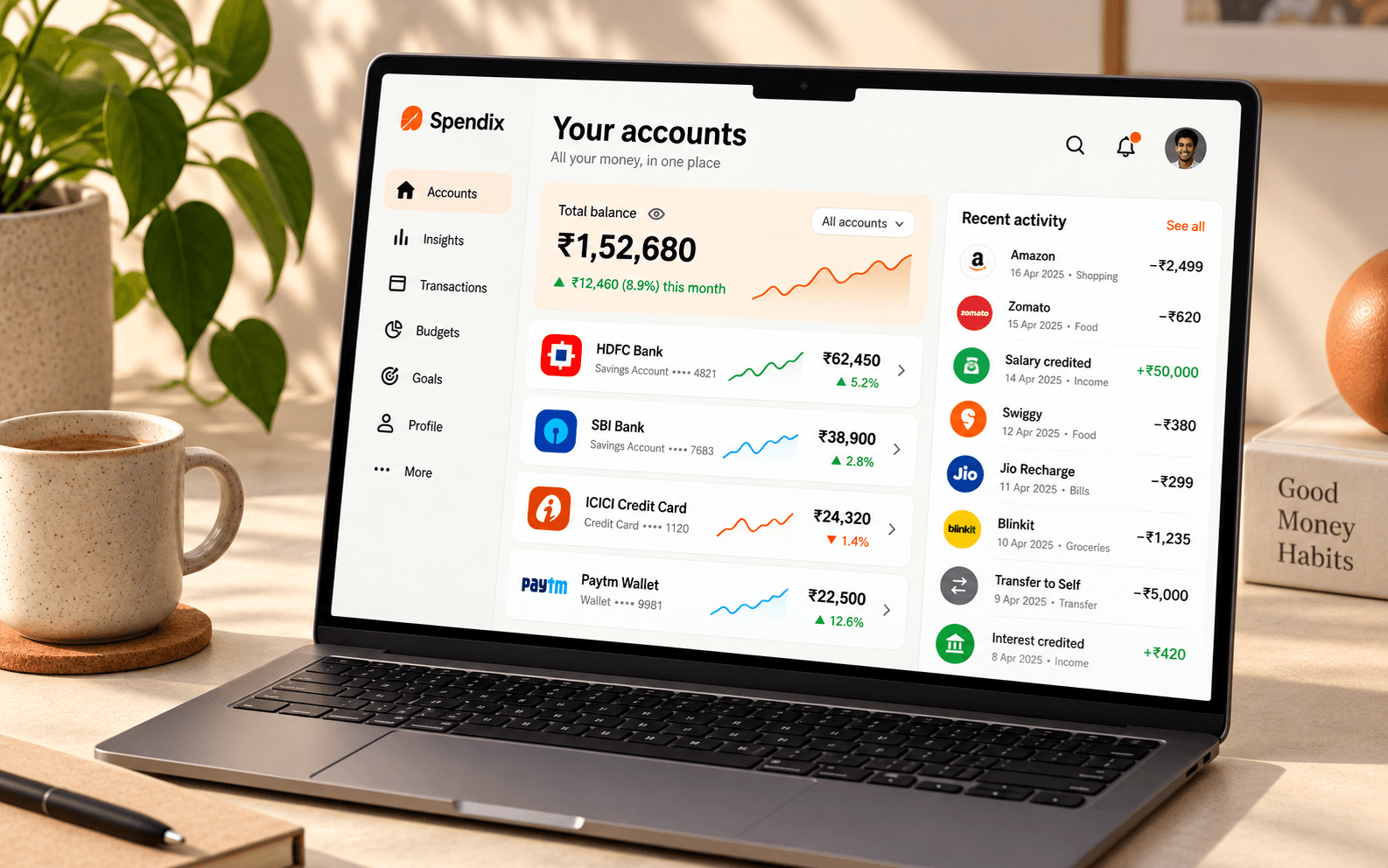
SpendixAI for small businesses: categorise spending, estimate GST input credit, review reports and export to Tally, Zoho Books or QuickBooks.
See how it helps
SpendixAI helps clients keep records an accountant can use: categorised transactions, GST and ITC settings, and exports for Tally, Zoho Books and QuickBooks.
See how it helps
SpendixAI for travel and foreign spending: record expenses in other currencies, see totals in your base currency and review the rates applied.
See how it helpsBring in PDF, CSV or Excel statements instead of typing.
Rules, history and optional AI sort your transactions.
A dashboard, 25 ready-made reports and a builder for your own view.
Google sign-in only, AI you can switch off, and export or delete whenever you like.
Every use case starts on the Free plan, which includes statement import, default categories, the dashboard and insights.
Yes. Mark each transaction as business or personal and see the split in one report.
No. The reports are built around plain questions, and the glossary explains the terms.
Create your account with Google and import your first statement.