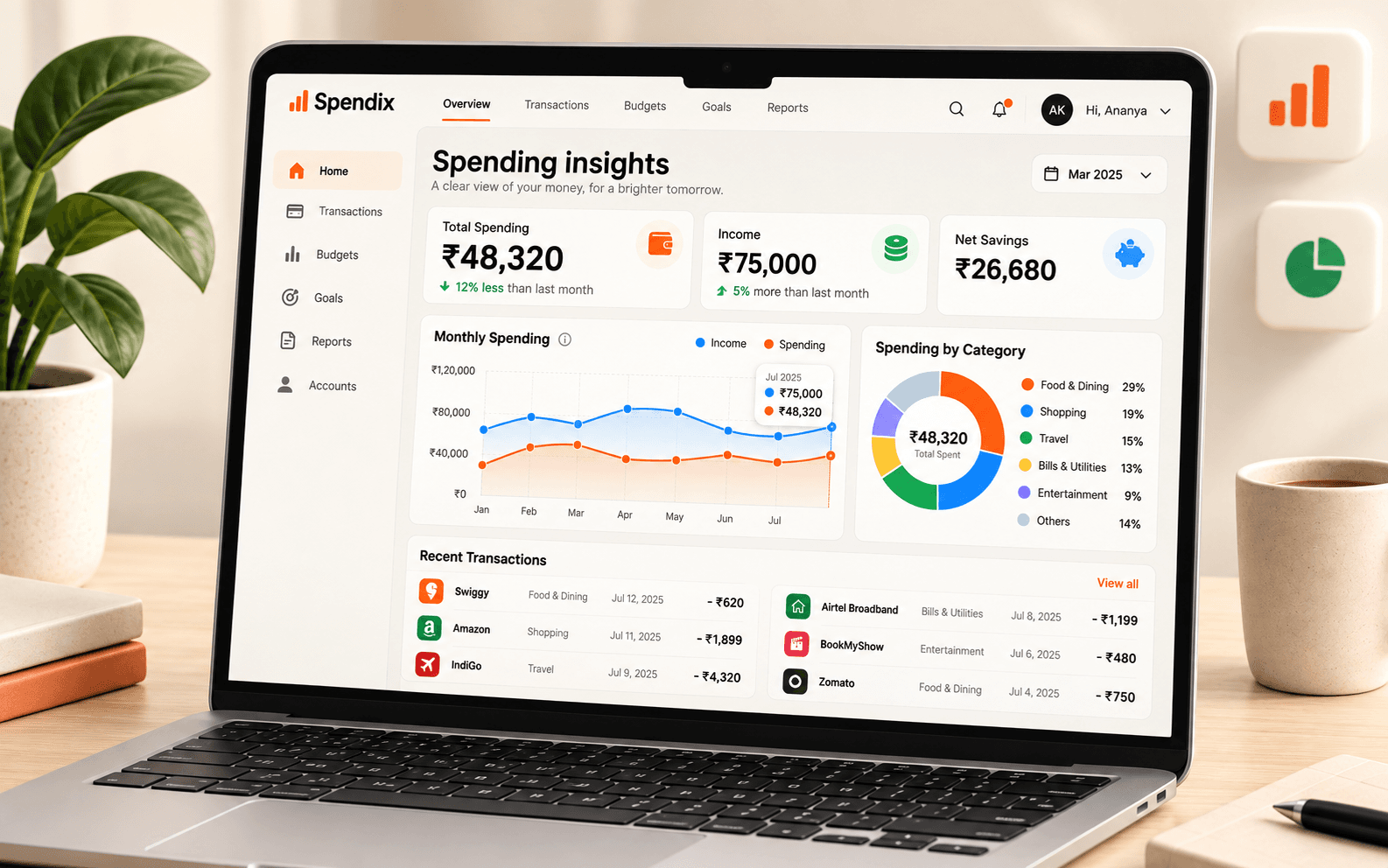
Original and converted amounts
Each expense keeps its own currency and the amount in your base currency at the rate that applied.
Overseas trips, foreign software and international clients mean spending in dollars, euros or dirhams. SpendixAI keeps the original amounts and shows one clear total.
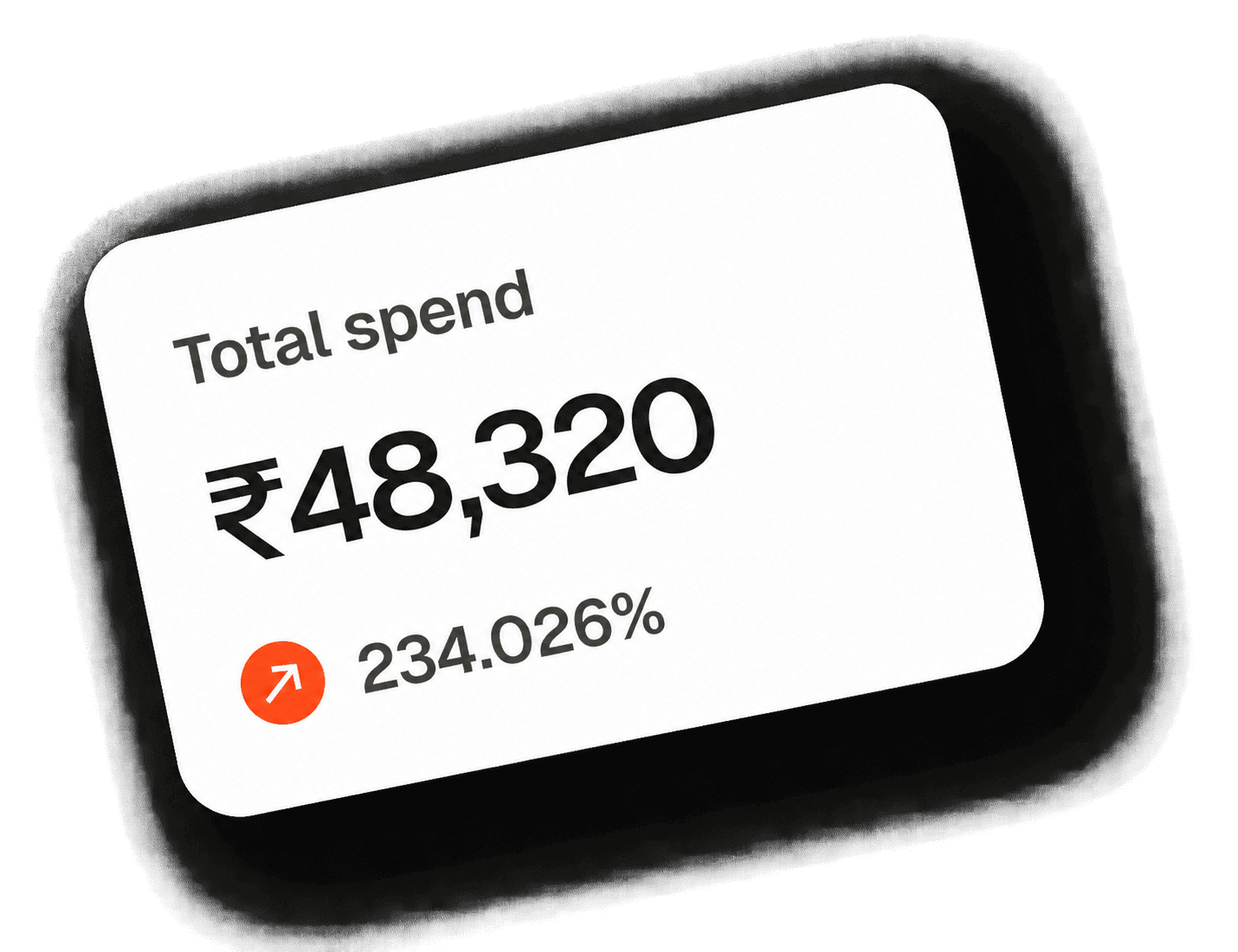
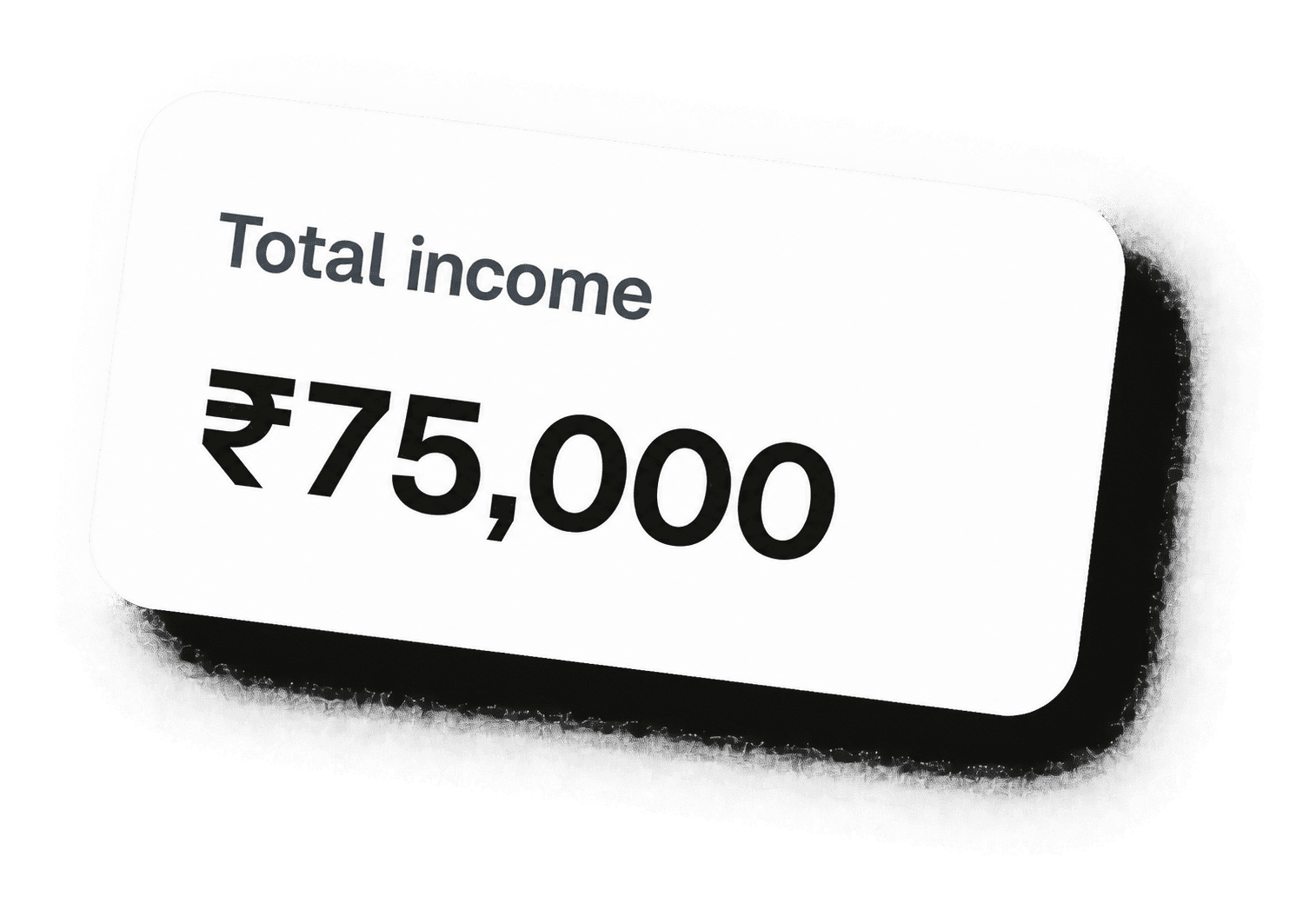
Each expense keeps its own currency and the amount in your base currency at the rate that applied.
Reports add everything up in your base currency, so the numbers mean something.
The Foreign-currency spend report groups expenses by account and currency with the average rate.
Four small steps, once a month.
Pick it before you import, because it cannot be changed once transactions exist.
Import it or add it, keeping the original currency and amount.
Compare the rate on your statement with the market rate, and look for markup lines.
Read reports in your base currency, with the foreign view alongside.
Each one is answered by a report in the Report library, built from your own transactions.
Open the “Foreign-currency spend” report.
Open the “Foreign-currency spend” report.
Open the “Credit-card fees and interest” report.
Open the “Top expense categories” report.
Open the “Monthly category trend” report.
Yes. The original amount and currency are kept, with the converted amount stored alongside.
Not once transactions exist, so choose it before you import.
Yes. The Foreign-currency spend report groups it by account and currency.
Travel, overseas software and foreign clients mean spending in dollars, euros or dirhams. Here is how to keep one clear total.
Read article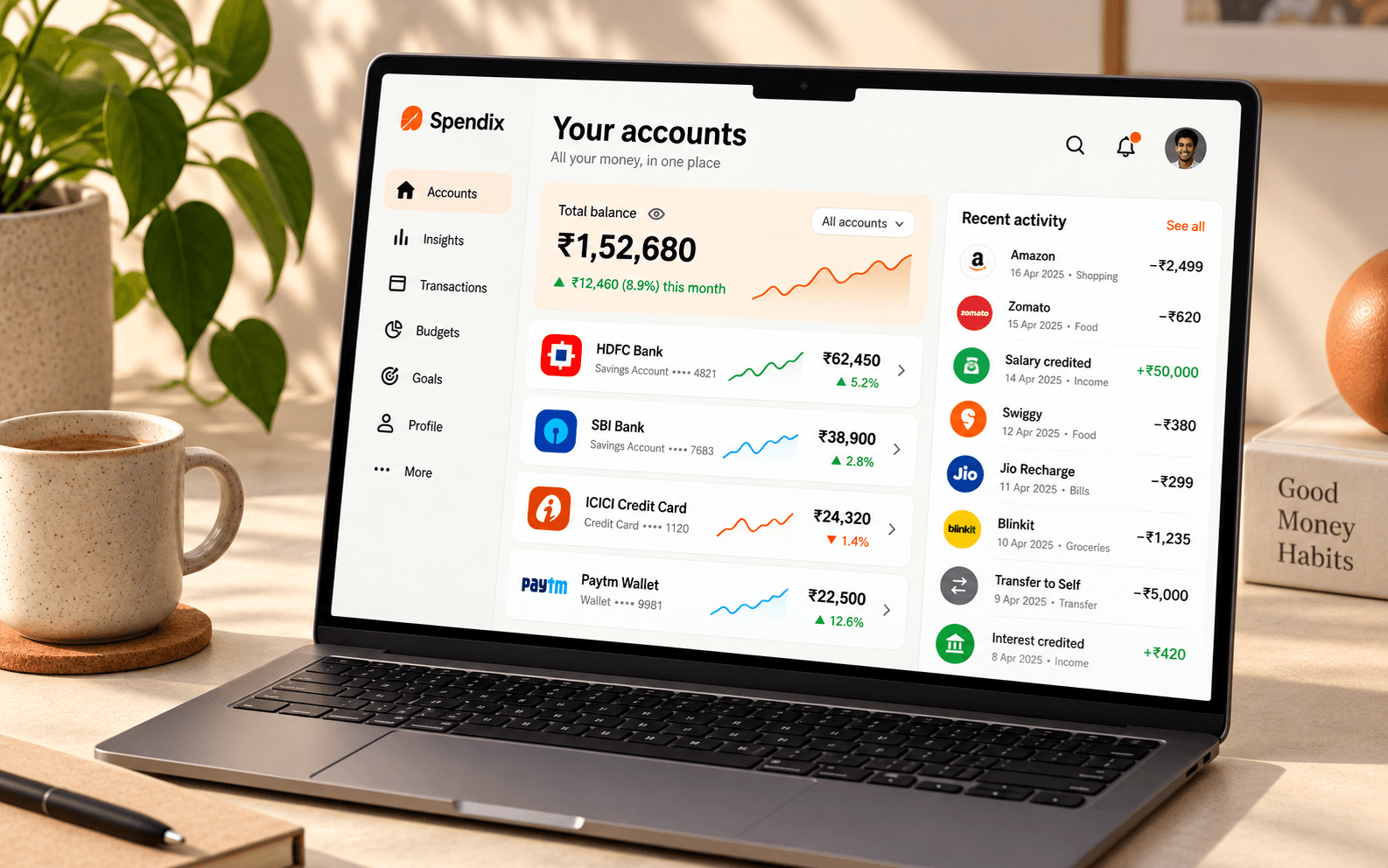
Annual fees, interest, GST and forex markups add up quietly. Learn which charges to look for and how much of your limit you use.
Read article
Statement lines such as UPI, NEFT, IMPS, NACH and POS look cryptic. Here is what each one means and how to find the merchant inside.
Read articleCreate your account with Google and import your first statement.