All accounts in one place
Track bank accounts, cards and cash together and compare them with account net position.
A small business needs clean spending records, a view of GST and an easy way to share them with an accountant. SpendixAI gives you all three in one workspace.
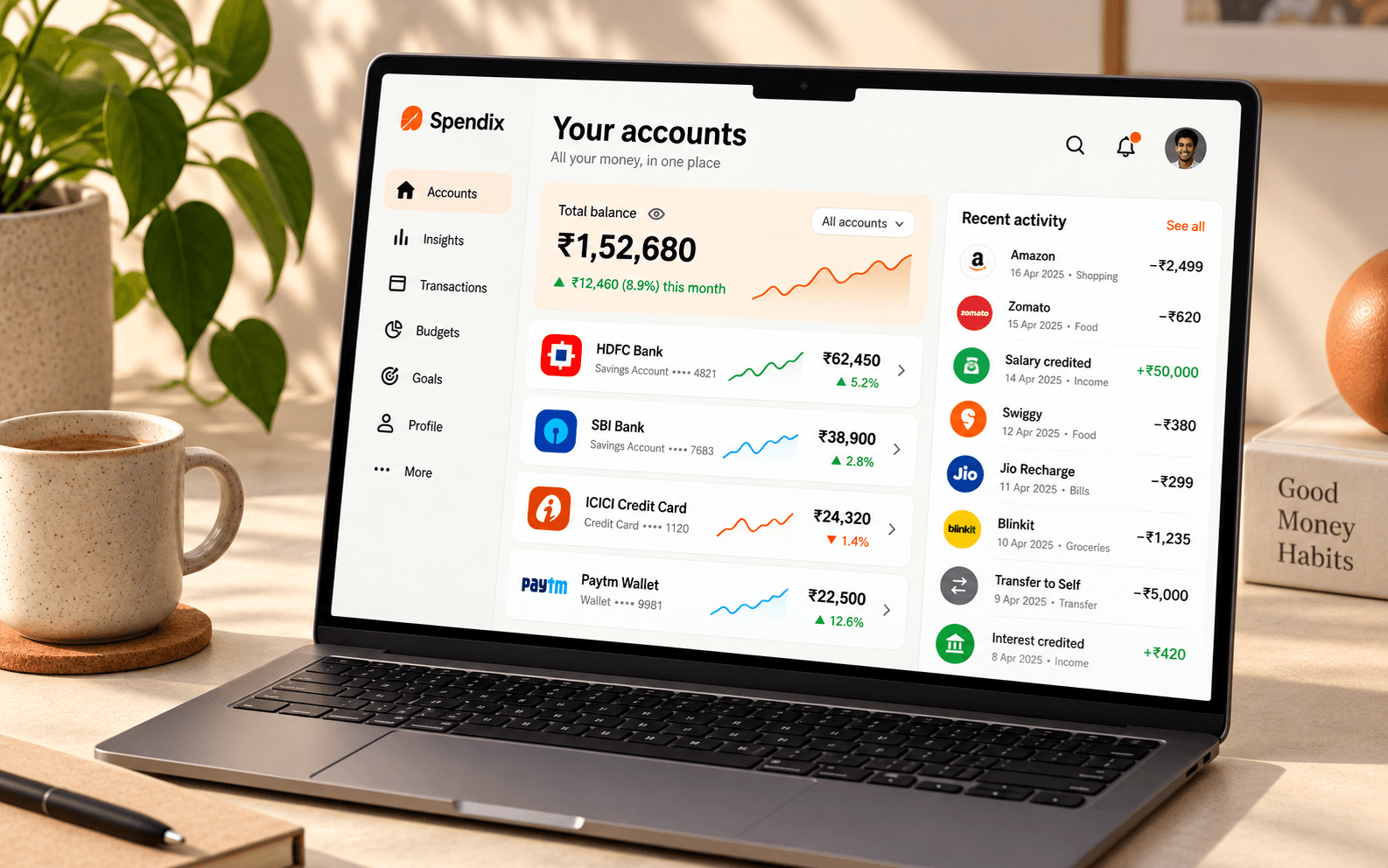
Track bank accounts, cards and cash together and compare them with account net position.
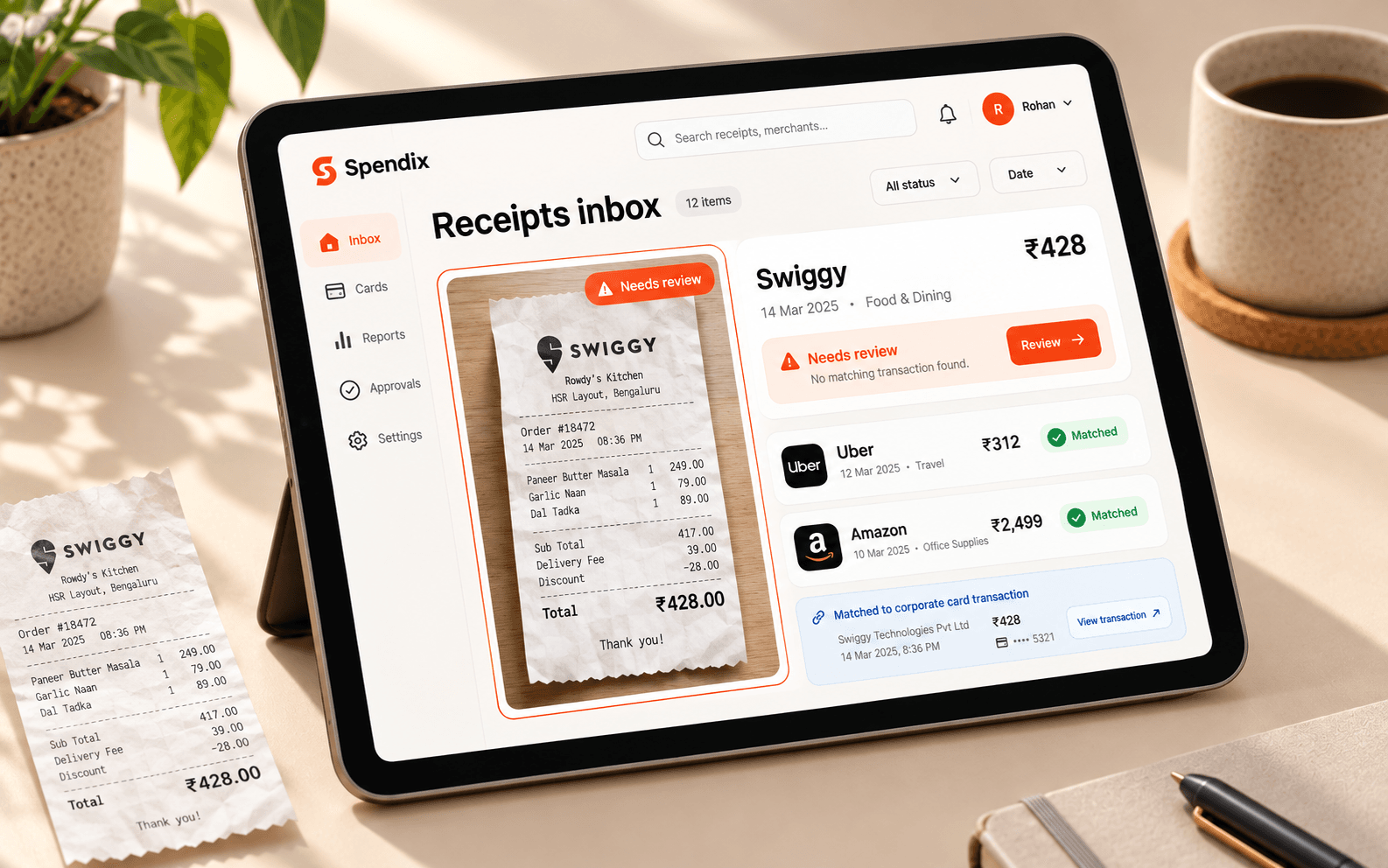
Keep invoices and receipts beside the payment they explain.
Download CSV, or choose a Tally, Zoho Books or QuickBooks template.
Four small steps, once a month.
Add each bank account, card and cash wallet the business uses.
Import statements as soon as they arrive, one account at a time.
Check ITC-eligible spend and who you pay most.
Send your accountant the export in the format they prefer.
Each one is answered by a report in the Report library, built from your own transactions.
Open the “Top merchants by spend” report.
Open the “GST and ITC-eligible spend” report.
Open the “Account net position” report.
Open the “Budget vs actual” report.
Open the “Possible duplicate charges” report.
No. It tracks and reports on spending. Export to Tally, Zoho Books or QuickBooks for bookkeeping.
Workspaces can have members with roles, and Team plans are priced for each organisation. Write to support@spendix.app to talk it through.
Yes. Receipts can be uploaded and matched to the transactions they explain.
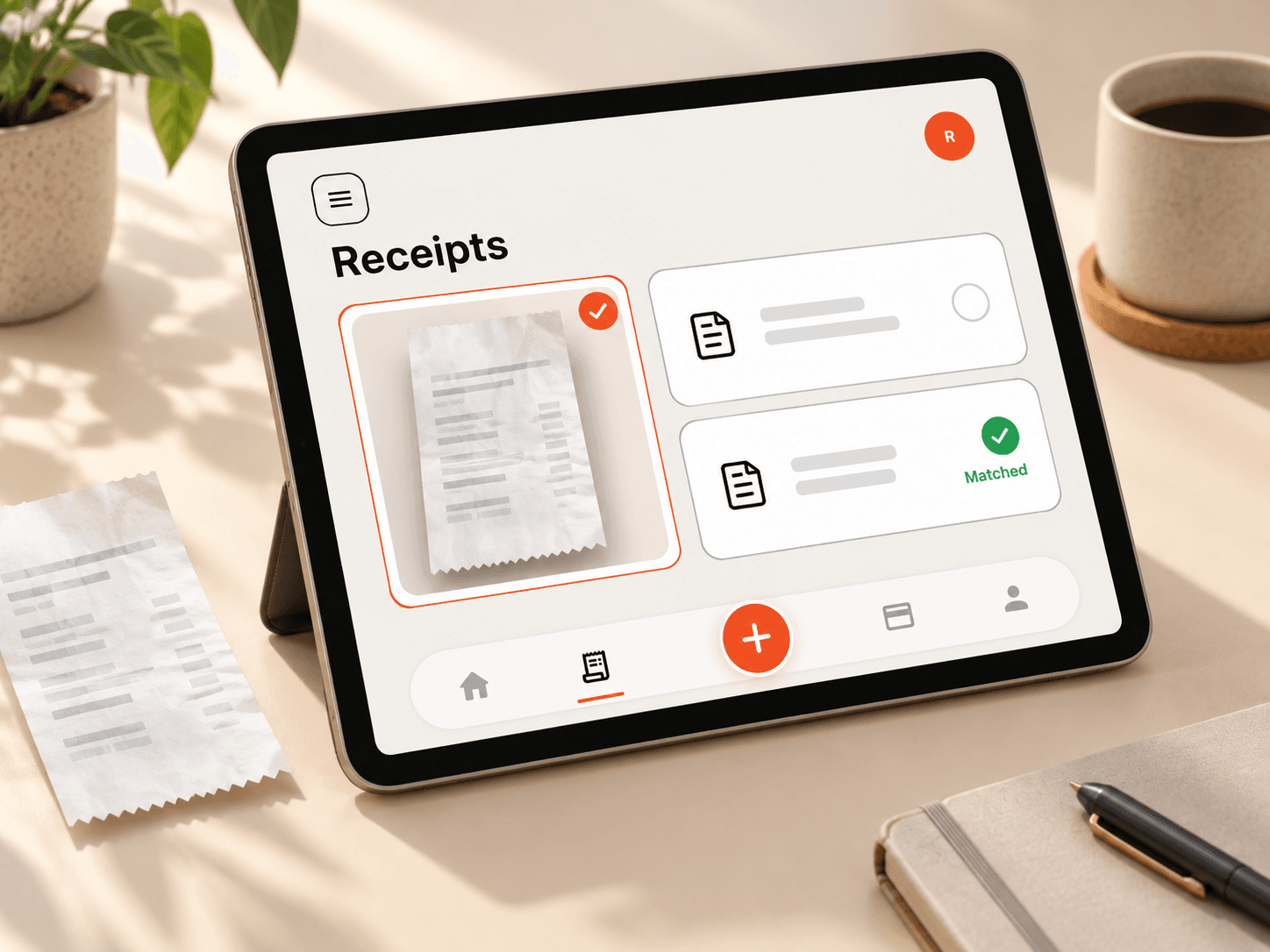
How to keep GST-inclusive spending organised so you can see the tax inside each purchase and hand your CA a clean record.
Read article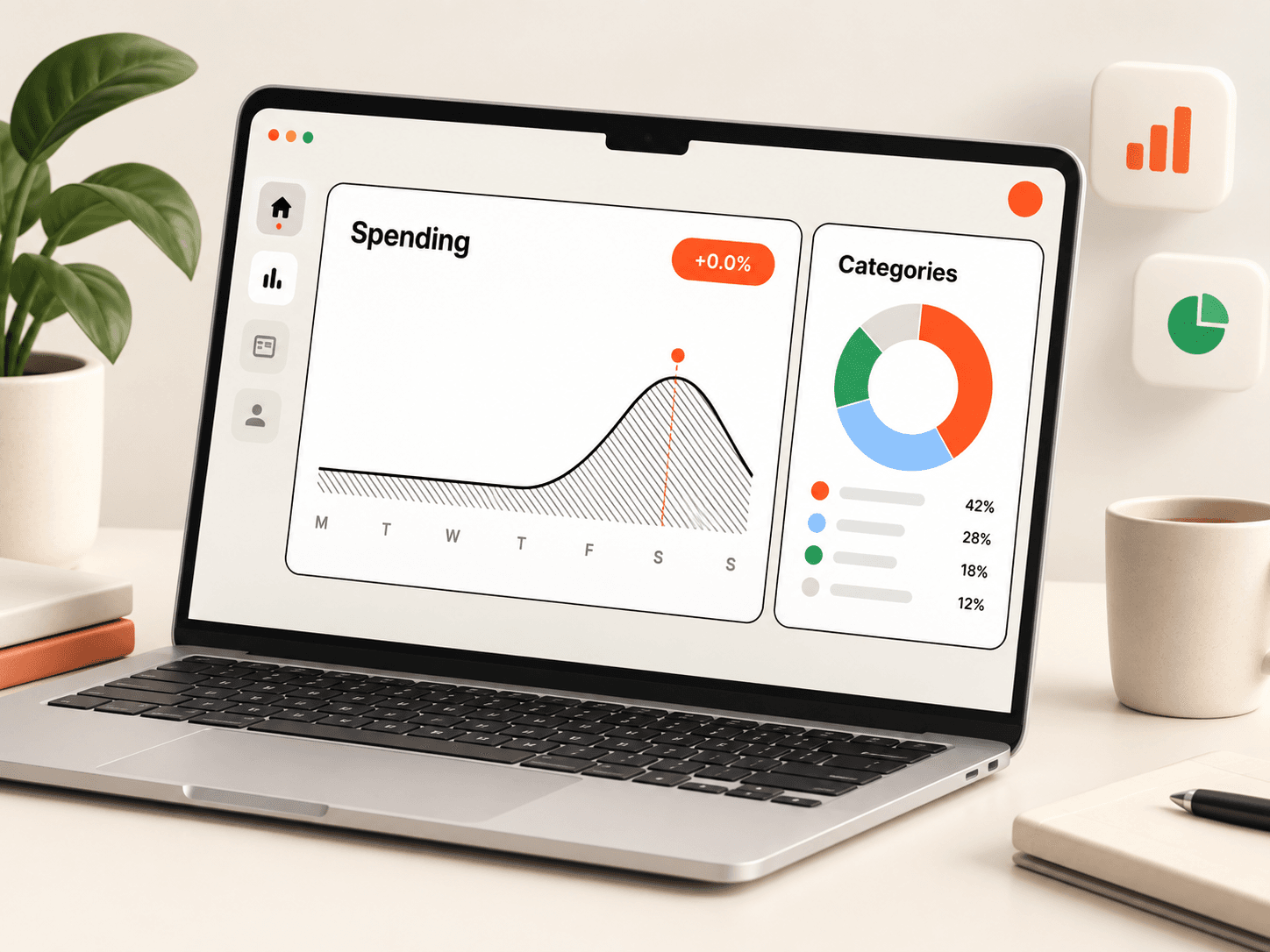
Group spending by category, merchant, account, month or business use, save the view, and download it as CSV or in a Tally, Zoho Books or QuickBooks shape.
Read article
Too few categories hide detail and too many make tracking a chore. Here is how to design a category list that stays useful.
Read article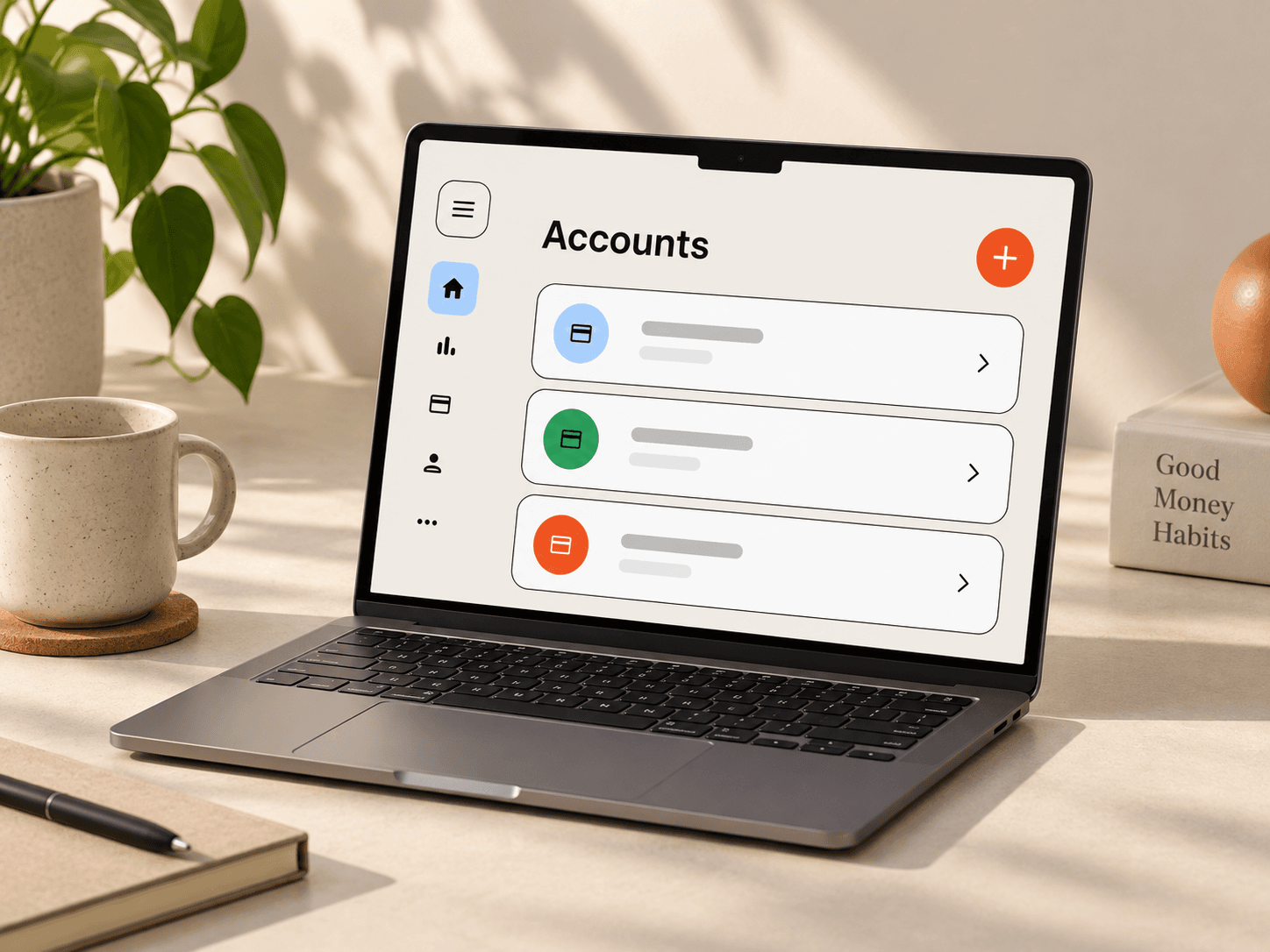
Accounts keep every transaction linked to where the money moved. Learn how to add bank, card and cash accounts and the details worth filling in.
Read articleCreate your account with Google and import your first statement.