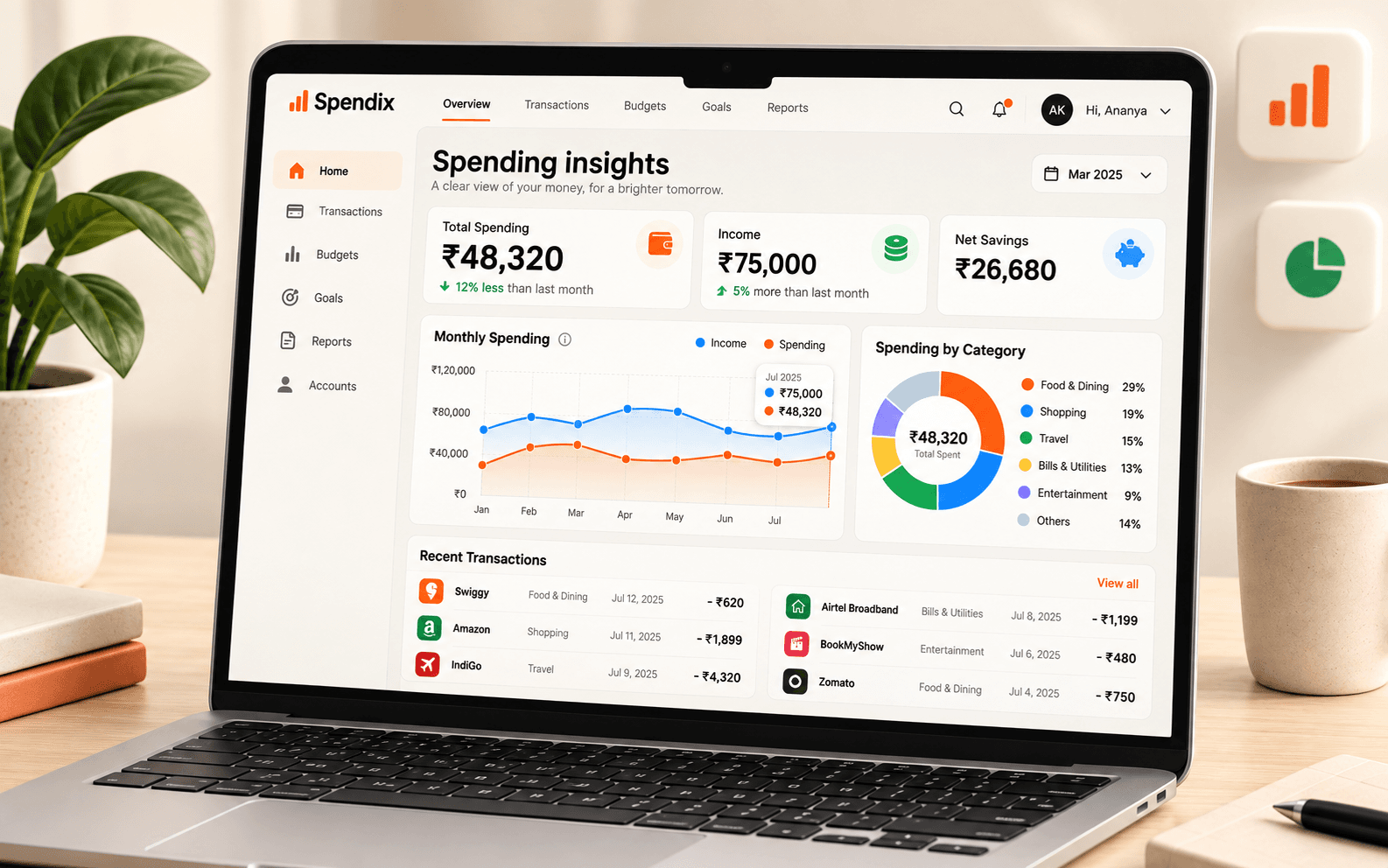
Categories are the lens through which every report looks at your money. A good list is simple enough to apply consistently and detailed enough to point to a decision.
Start small
Ten to fifteen top-level categories is usually plenty: for example housing, food, transport, utilities, health, shopping, entertainment, travel, education, loans and savings. You can add sub-categories later where one category is large enough to need splitting.
Make each category answer a question
If you would never act differently based on a category, merge it into another. Split a category only when its total is large and you want to see inside it, such as splitting food into groceries and eating out.
Avoid the catch-all
A category called Miscellaneous or Other becomes a dumping ground. If more than a small share of your spending lands there, your reports lose meaning. The Uncategorised aging report in the Report library shows how much has been sitting unsorted and for how long.
Add tax details to categories that need them
- GST rate, so the tax inside a purchase can be estimated.
- Whether purchases in the category are ITC-eligible, if you are GST registered.
- Whether they are tax-deductible, if you track business costs.
- An accounting code, if your accountant uses ledger codes.
Keep the names stable
Renaming categories every few months breaks your comparisons over time. Pick names you will still like next year.
Let rules do the work
Once your categories are set, create rules or default categories for your regular merchants, so most new transactions are placed automatically.
See what your spending means.
Turn individual purchases into useful groups, from food and travel to bills and business costs.