Your bank statement already lists every payment you made. The hard part is turning pages of narrations such as “UPI/4821/SWIGGY” into something you can read at a glance. This routine works for a savings account, a credit card or a small business account.
Step 1: Download the right statement
Most banks let you download statements as PDF, and many also offer CSV or Excel. If you have the choice, CSV or Excel carries the cleanest columns, but PDF works too. Download one full calendar month at a time so nothing is split across files, and keep credit cards separate from savings accounts.
Step 2: Import it into one place
In SpendixAI, open Import, choose the account the statement belongs to, and drop the file in. SpendixAI reads PDF, CSV and Excel statements and shows you what it found, so you can review the rows before they become part of your records.
Step 3: Fix categories once
Merchants repeat. When you correct a category for a merchant, SpendixAI can reuse that choice for the same merchant next time, so the work shrinks every month. Your own rules and history are used first, and AI is only asked about what is left.
Step 4: Check for duplicates and gaps
- The same amount to the same merchant a day or two apart.
- Statements that overlap by a few days, which repeat those days twice.
- A month that is missing entirely, which makes that month look cheap.
The Possible duplicate charges report in the Report library lists likely repeats so you can check each one.
Step 5: Read the picture
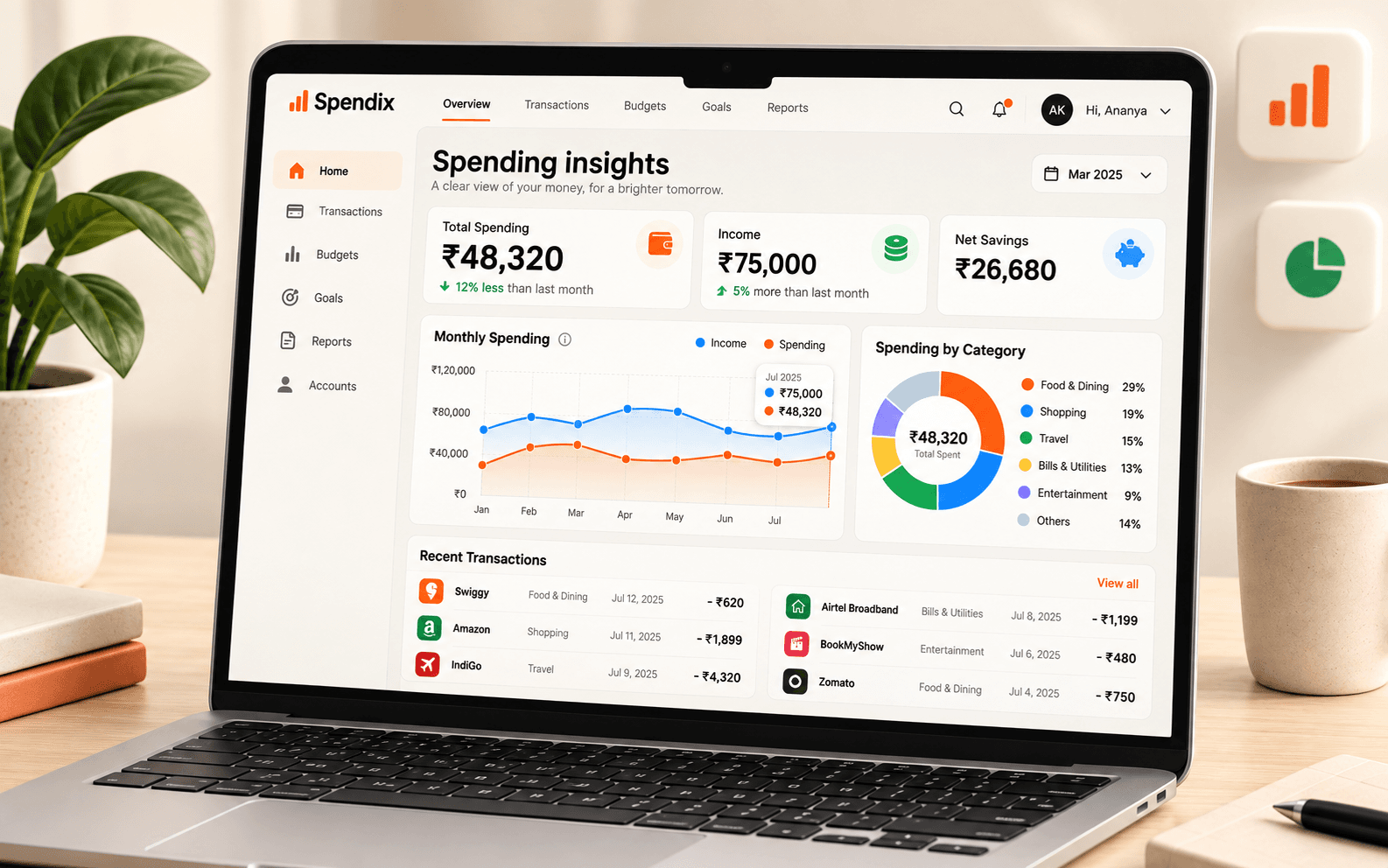
With one month imported, open Insights and Reports to see your top categories and how spending moves through the month. After three months you can start comparing, and the Report library adds savings rate, daily burn and merchant views.
A routine that sticks
- Download last month’s statements on the first of the month.
- Import them straight away, one account at a time.
- Spend five minutes on categories and duplicates.
- Open one report and decide on one change.
Make sense of every transaction.
Search, filter, and organise your income and expenses as your financial history grows.