A subscription is easy to start and easy to forget. One streaming plan at ₹649 a month is small, but it is ₹7,788 a year, and most people have more than one. Your transaction history already knows about every one of them.
Step 1: List the recurring charges
Look for the same merchant appearing at regular intervals for similar amounts, usually monthly, sometimes yearly. In SpendixAI, the Recurring charges report in the Report library lists every charge flagged as recurring, with how many times it was charged, the average amount and the dates of the first and last charge.
Step 2: See the yearly cost
Multiply a monthly charge by 12. The Subscription cost, annualised report does this for categories such as subscriptions, streaming and software, and ranks them from the costliest.
Step 3: Ask three questions
- Did I use it in the last 30 days?
- Is another subscription already doing the same job?
- Would an annual plan or a lower tier cost less for how I use it?
Step 4: Cancel properly
Cancel inside the service, then check that no auto-pay mandate remains. UPI AutoPay and card mandates can usually be reviewed and cancelled from your UPI app or your bank’s app. Confirm the next statement shows no new charge.
Watch for trials that quietly convert
Free trials often roll into a paid plan. When you start one, add a reminder a few days before it ends, and look for a first charge in your next import.
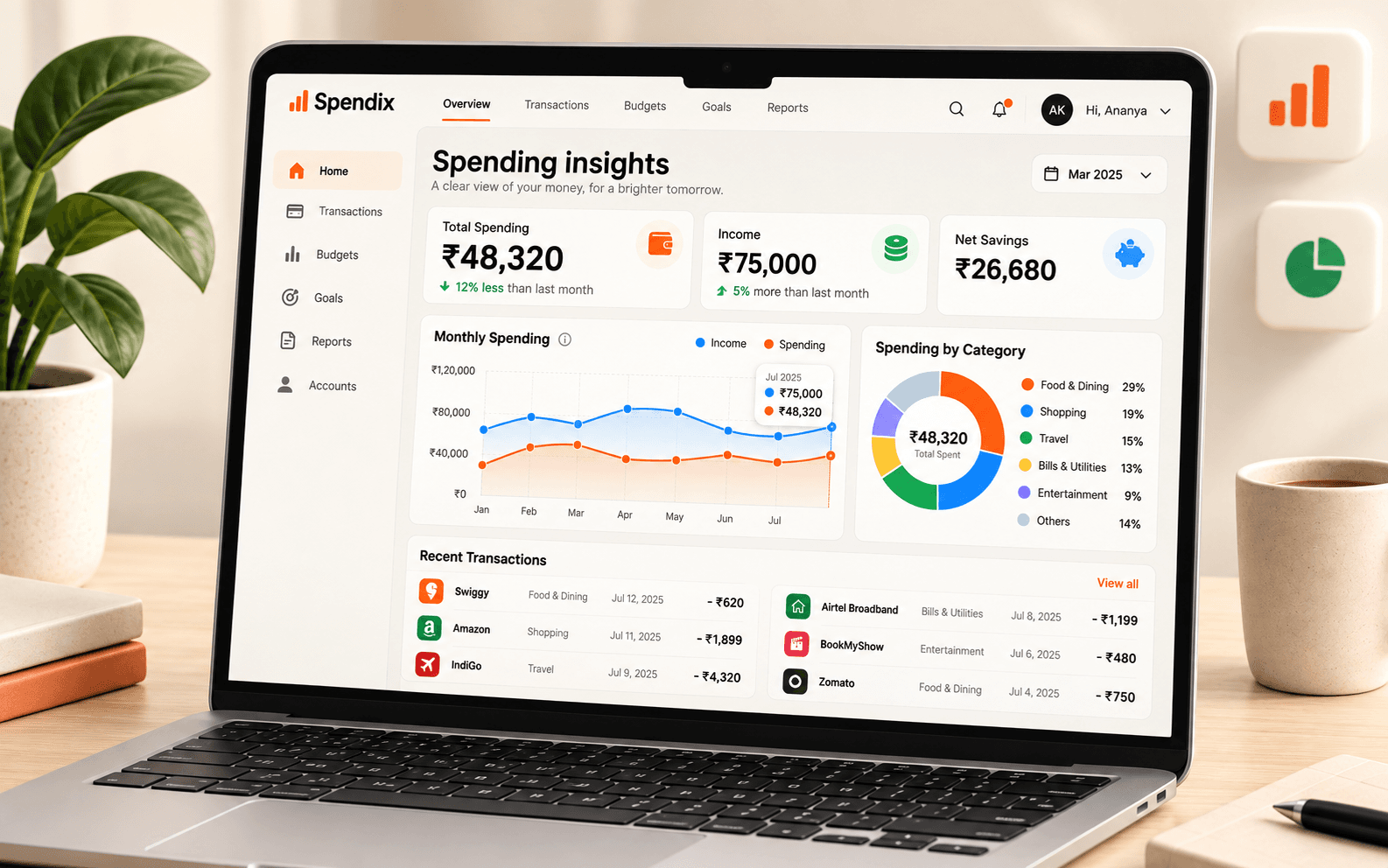
Know where your money goes.
See income, expenses, categories, and changes over time in one clear view.