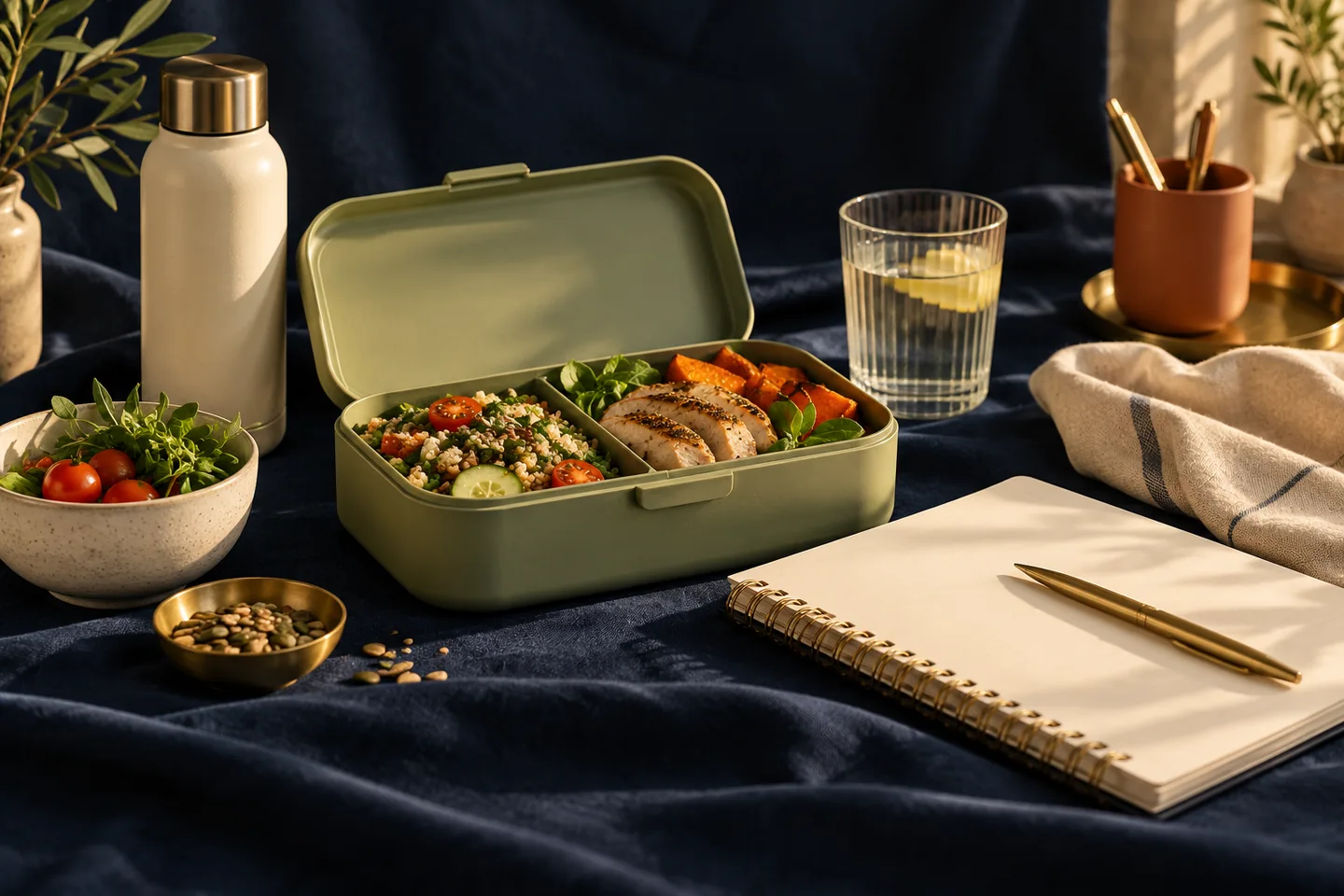
A decision made twenty times a month
Anyone who works outside the home meets the same question daily: what is for lunch? The options typically include carrying a tiffin, eating at a canteen, walking to a nearby stall or restaurant, or ordering in. Each choice is small, and the sum is large.
Treat the month as the unit. Compare the options on the same terms over the same number of working days.
Define the working month
Count the days the household member actually works at the office, not calendar days. A month might have 21 working days, with a couple lost to leave or remote work. Using the real count avoids overstating or understating costs.
Decide also whether the comparison includes the cost of preparing a tiffin at home, such as ingredients and the time to pack. Ingredient cost should be included; time is worth noting but not pricing.
Compare the four options
Estimate the cost per day of each option, then multiply by the working days.
| Option | Per day (units) | 21 working days |
|---|---|---|
| Home tiffin | 60 | 1,260 |
| Canteen meal | 90 | 1,890 |
| Nearby restaurant | 160 | 3,360 |
| Ordered in with fees | 220 | 4,620 |
The gap between the cheapest and the dearest is more than 3,000 units a month. The numbers are illustrative; real figures depend on place and preference.
Consider the mix
Most people do not stick to one option. A realistic pattern might be a home tiffin three days a week, a canteen meal one day and a restaurant lunch on the day the team goes out. Calculating the weighted cost helps: three days at 60, one at 90 and one at 160 gives 430 for a five-day week, or about 1,720 over four weeks.
This blended number is usually more useful than any single option’s price. It can become the working budget for office lunches.
Count the hidden items
Lunch spending often includes extras: a tea after the meal, a snack at four o’clock, a cold drink with the team. Record these in the same category so the total is visible. Likewise, if a tiffin day leads to a coffee outing because colleagues go, note that too. The point is to capture the real cost of the workday meal, not only the main dish.
Set up the budget in the app
Create a category such as Work meals, or use tags on the existing Food categories. Set a monthly budget from the blended estimate, and let the app show progress during the month. If a household member is reimbursed for any work meals, record the reimbursement separately so net costs remain accurate.
Review quarterly
Canteen prices, personal schedules and tiffin routines change. Every three months, compare the actual work meals total with the budget, and adjust either the plan or the habit. A lunch budget that reflects real working life is a quiet foundation for the rest of the month’s spending.
Adjusting for remote and hybrid weeks
Many people now split the week between home and office. The lunch comparison should reflect that by counting only office days for work meals and treating home days as part of the ordinary grocery budget. If the pattern changes from month to month, calculate the weekly average over a quarter instead of one month. This avoids a budget that is either too tight in busy office weeks or too generous in quiet ones.
Review it whenever the work arrangement changes, since a new commute or team routine can shift the best choice.
Counting the commute
If a restaurant lunch involves a walk or a short ride, add the travel cost to the comparison. Otherwise the nearby option looks cheaper than it is.
Useful ideas start with a clearer picture of your own spending.
Explore your reports

