A phone is a diary and a wallet
Before a phone changes hands, it holds your messages, photos, contacts, payment apps, saved logins and often your cloud accounts. A simple factory reset is usually a good step, but doing it in the wrong order or skipping some steps can leave you exposed.
Step one: back up what you need
Back up photos, contacts, documents and app data you want to keep. Check that the backup actually works by looking at it on another device or in the cloud. Export your records from any apps that store data locally. Save your two-step codes or move them to the new device before wiping the old.
Step two: sign out and remove
- Sign out of payment and banking apps and unlink the device from your accounts.
- Remove cards from wallets on the phone.
- Sign out of your email, cloud and app store accounts.
- Turn off device-tracking and activation-lock features by removing the device from your account, so the new owner can use it.
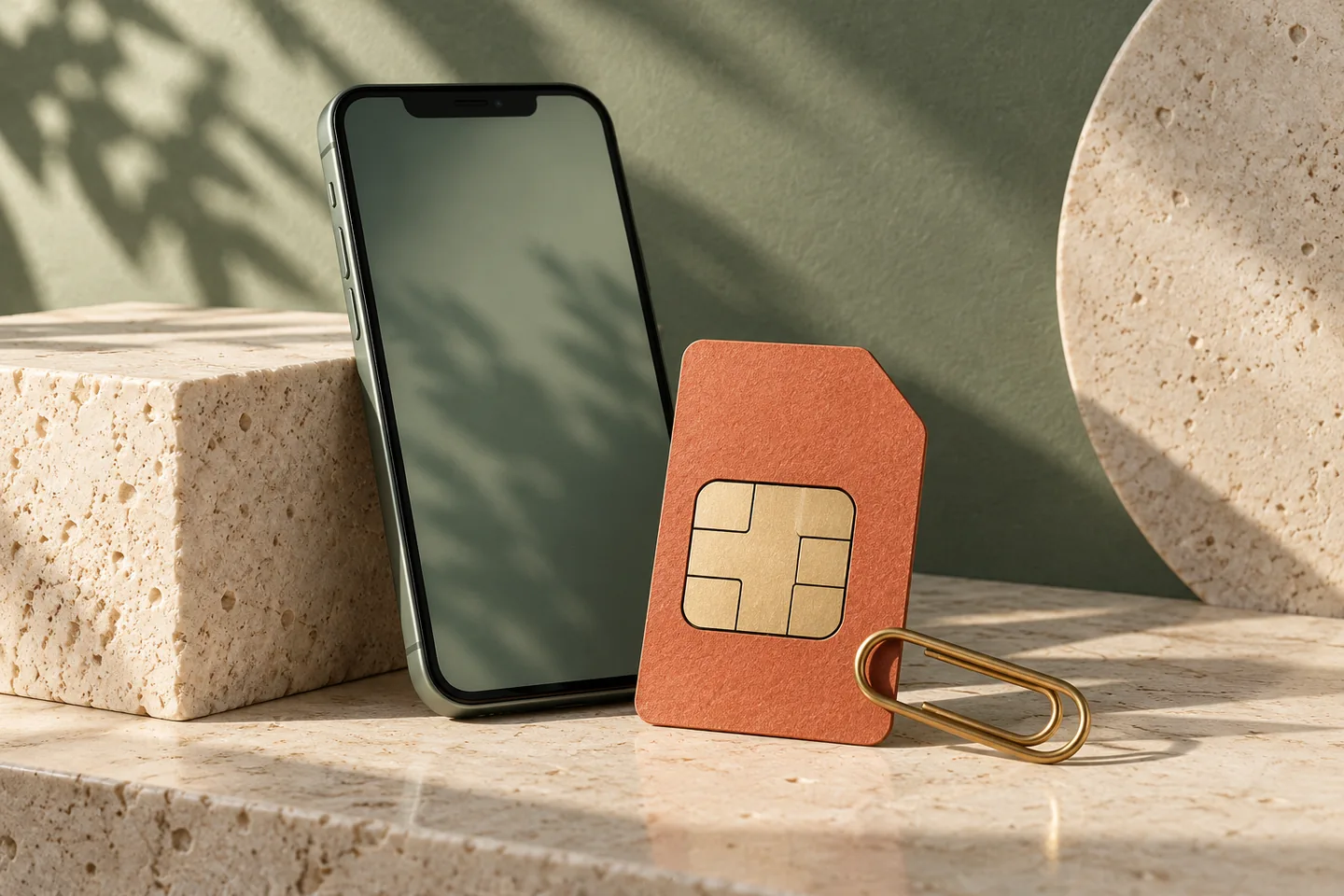
- Remove the SIM and memory card.
If you skip the account removal, the next owner may be stuck with a locked phone, and your account could still show the device as yours.
Step three: reset
Use the phone’s reset function to erase all data and settings. Many phones offer an option to encrypt first or to overwrite data; follow the manufacturer’s official guidance. After the reset, check that the phone shows the first setup screen and no trace of your account.
Step four: check your accounts
After the phone leaves, visit your accounts’ lists of signed-in devices and remove the old one. Change passwords if you used any saved logins on it. Review your payment app’s linked devices. Update your records to show the old phone as disposed.
Selling safely
Meet in a safe place and do not hand over the phone until payment shows up in your own account, as described in earlier guidance about overpayment tricks. Do not give out your accounts or codes for any reason. Be wary of buyers who ask you to leave the phone signed in, or who want to “test” it in your accounts.
Old devices that are not worth selling
If a phone is broken or very old, wipe it if you can, and then take it to a proper recycler. A drawer of old devices is a risk, as they may still hold accounts. Remove batteries from damaged devices safely.
Do it for tablets and computers too
The same steps apply to any device that has held your accounts. Tablets, laptops and smart watches deserve the same care. For computers, use the system’s secure erase options, and consider encryption beforehand.
A record of the handover
Note the date, the device and how it was wiped, in your records. If a question arises later, you can show that you took the steps. And use the opportunity to update your list of devices linked to your accounts.
Giving a phone to a relative
Passing a phone to a family member feels safer than selling it, but the data risk is the same. Do a full wipe, so they start fresh, and help them set up their own accounts. Do not leave your account signed in to save them trouble. A shared account on a handed-down phone leads to mixed backups, shared messages and awkward surprises. Everyone is happier with a clean start.
Keep proof of the reset
Take a photo of the setup screen after the wipe and save it with the date, in case a question arises later. This is a small habit, but it can settle a disagreement about whether the phone was cleared. Note the serial number in your records, together with the new owner’s name if you sold or gave it.
Useful ideas start with a clearer picture of your own spending.
Explore your reports